


Viewers Leave in the First Minute
A long intro, a logo sting and a recap of what's coming. The retention graph in YouTube Studio falls off a cliff before the useful part.
YouTube editing
Long-form edits that hold attention past the first minute, thumbnails people click and a publishing routine you can keep.
The Digital Elites edits long-form YouTube videos for service businesses, specialist firms and online stores: explainers, project walkthroughs, product reviews and answers to the questions customers ask before they hire you or buy.
You record. We handle everything between the raw file and the publish button: the edit, the thumbnail, the title, chapters, the description and the Shorts cut from each video.
Overview
YouTube editing is part craft and part packaging: an edit that holds attention, and a title and thumbnail that earn the click.
A good long-form business video answers one question thoroughly, like "How much does a new roof cost in Texas?" or "Is a heat pump worth it?" Our job is to cut the rambling, add B-roll that shows what you're describing, clean up the sound and package it so people searching that question pick your video over the ten others.
We work inside your channel with manager access. The channel, the videos and the audience always belong to your business.
Why channels stall
Most business channels have useful videos that nobody finds or finishes. The fix is usually in the editing and packaging, not the camera.
A long intro, a logo sting and a recap of what's coming. The retention graph in YouTube Studio falls off a cliff before the useful part.
A blurry frame grab with small text and a title like "Episode 12" gets shown in search and suggested videos but rarely gets the click.
Echoey rooms, wind on a job site and jumping volume levels make people leave even when the advice is excellent.
No chapters, no description, no Shorts and no end screens. The video goes up and never gets a second chance to be found.
What's included
Each package is sized to your publishing schedule and how raw your footage is. Every video gets these pieces.
We get to the point in the first 30 seconds, remove repeats and dead air, and change the shot or add a visual often enough that attention doesn't drift.
We study the retention graphs of your past videos in YouTube Studio and edit around the moments where your viewers usually leave.
Job-site clips, product close-ups, simple diagrams and screen recordings that show what you're talking about, instead of ten minutes of talking head.
We use your own footage first and licensed stock only where it fits, so the video still looks like your business.
Matched color between cameras, corrected exposure and skin tones, and audio cleaned of hum, echo, wind and background noise.
Levels are balanced so voices sit clearly over music, and viewers on phone speakers aren't reaching for the volume every minute.
Custom thumbnails in your brand style, with a clear face or result and three to five words readable on a phone screen.
Title options are built around what people actually type into YouTube, and we use YouTube's thumbnail test feature to compare designs where your channel has it.
Every video gets:
Each long-form video gives us two to four vertical Shorts: the best tip, the surprising answer or the finished-job reveal.
Shorts link back to the full video, so people who find you in the Shorts feed have somewhere to go next.
Timestamped chapters, upload, scheduled publish time and channel settings handled in YouTube Studio, so your team just approves and shares.
Chapters also appear in Google search as key moments, which gives a long video more ways to be found.
Once a month we go through your YouTube Studio analytics: click-through rate, average view duration, traffic sources and which videos bring subscribers.
The findings go straight into next month's topics, thumbnails and editing choices.
Video topics
The business videos that pay off on YouTube answer what people search right before they hire someone or buy something. They keep ranking for years and do the explaining your team would otherwise do on the phone.
Topics that work for businesses:
We help you build a topic list from your customers' real questions, then plan recording days around it.
Measurement
Subscriber counts grow slowly for business channels. Watch time and click-through rate show whether YouTube is recommending you.
| Measure | What it tells you |
|---|---|
| Impressions click-through rate | How often people who saw the thumbnail clicked it |
| Average view duration | How long viewers stayed, and the moment they left |
| Watch time | Total hours watched across the channel and per video |
| Views from YouTube search | How many views came from people searching a topic |
| Returning viewers | Whether people come back for more of your videos |
| Clicks to your website | Visits from description links, tracked in GA4 with UTM tags |
With manager access to YouTube Studio and GA4, we report these monthly, video by video, with what we'll change next.
Recent work
These show our website work, not YouTube edits. Move your cursor over a project to scroll it.
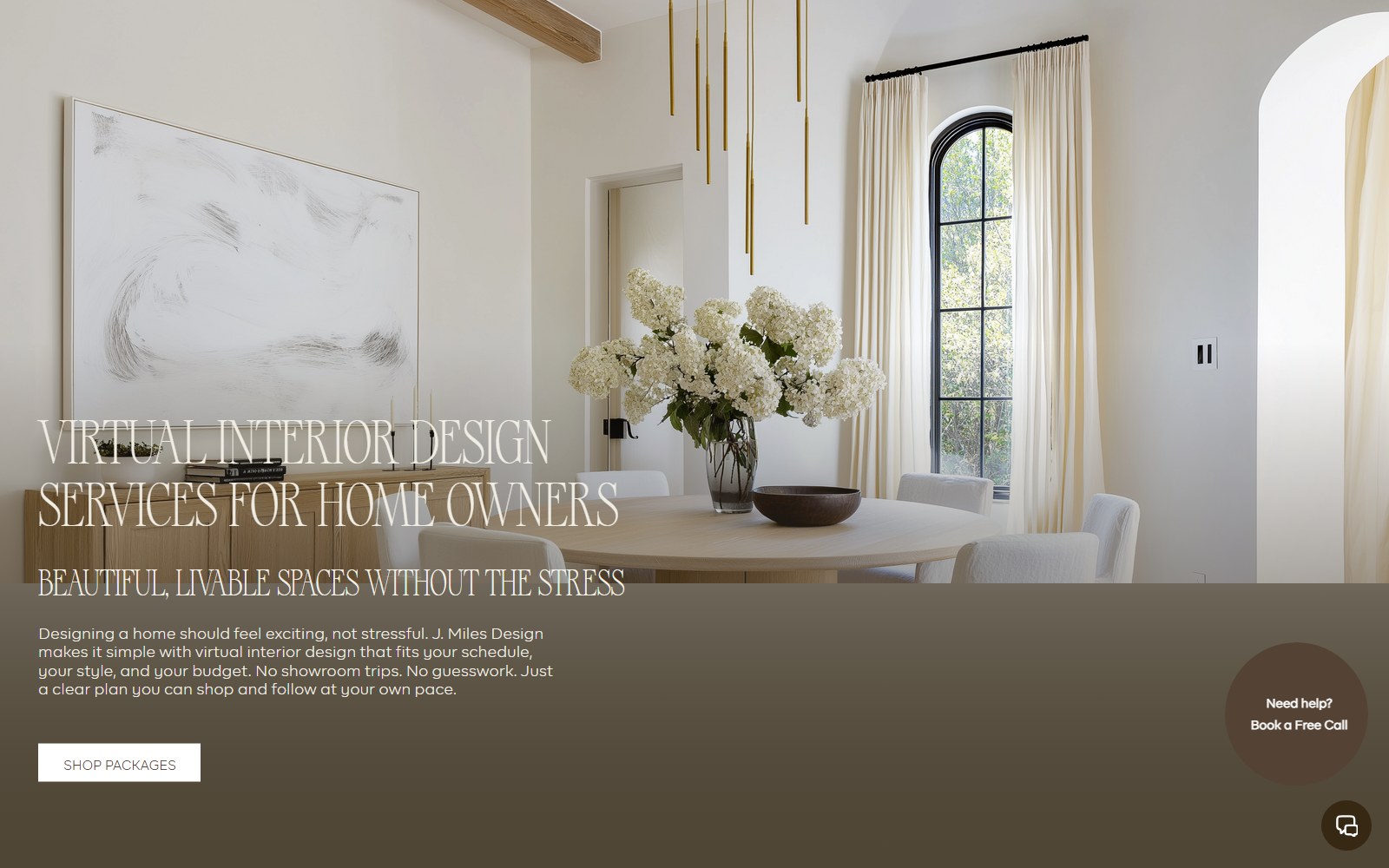
Site for a virtual interior design studio selling room makeovers, full-home packages and new-build plans.

Website for a Georgia roofing contractor covering repairs, replacements, metal, TPO and solar roofing.

Website selling Singapore home staging and interior renovation as a single service.
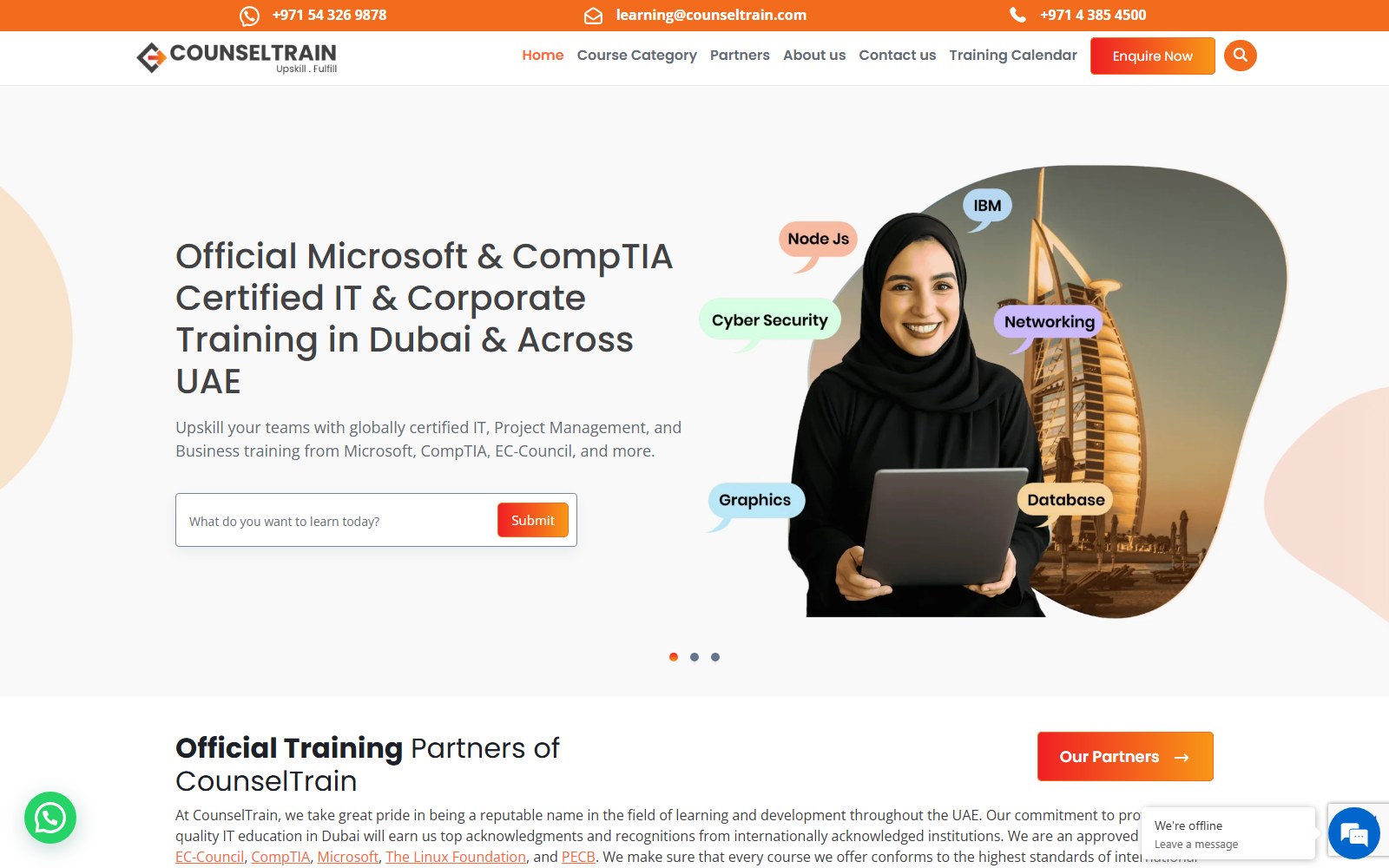
Website for a UAE provider of IT and professional certification training for teams.
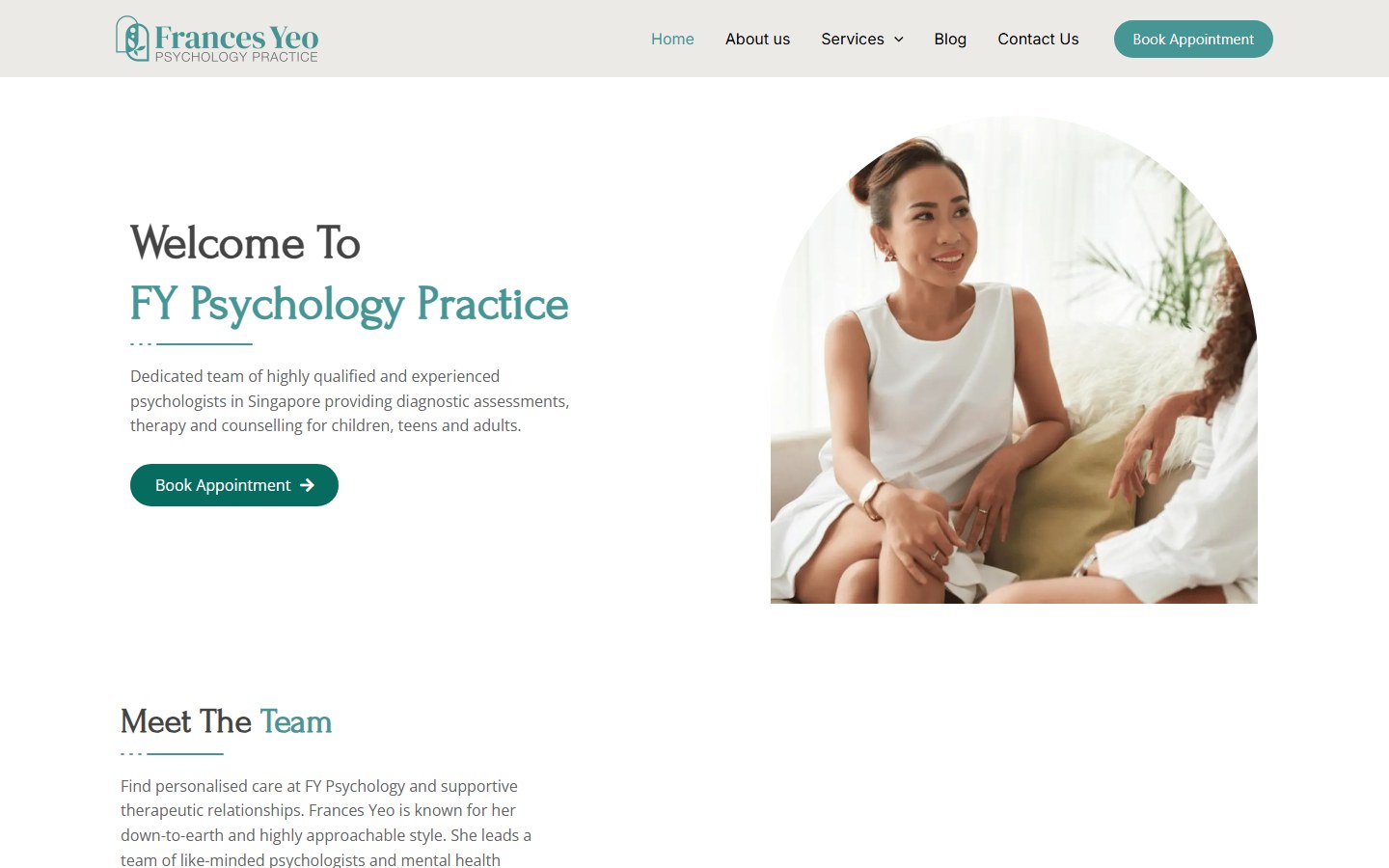
Website for a Singapore psychology practice offering assessments, psychotherapy and counselling.
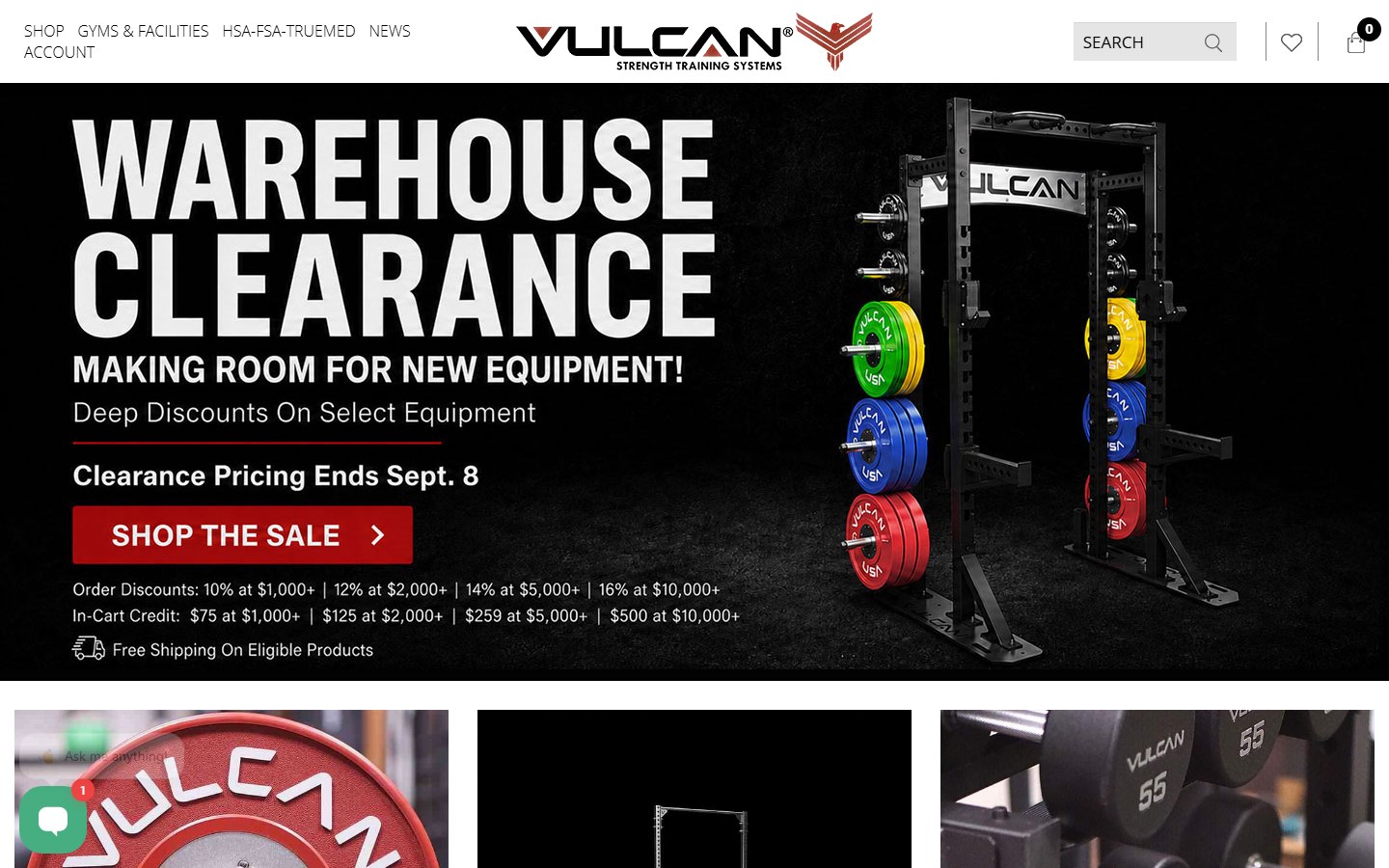
Website for a supplier of bumper plates, bars, racks and rigs for home and commercial gyms.
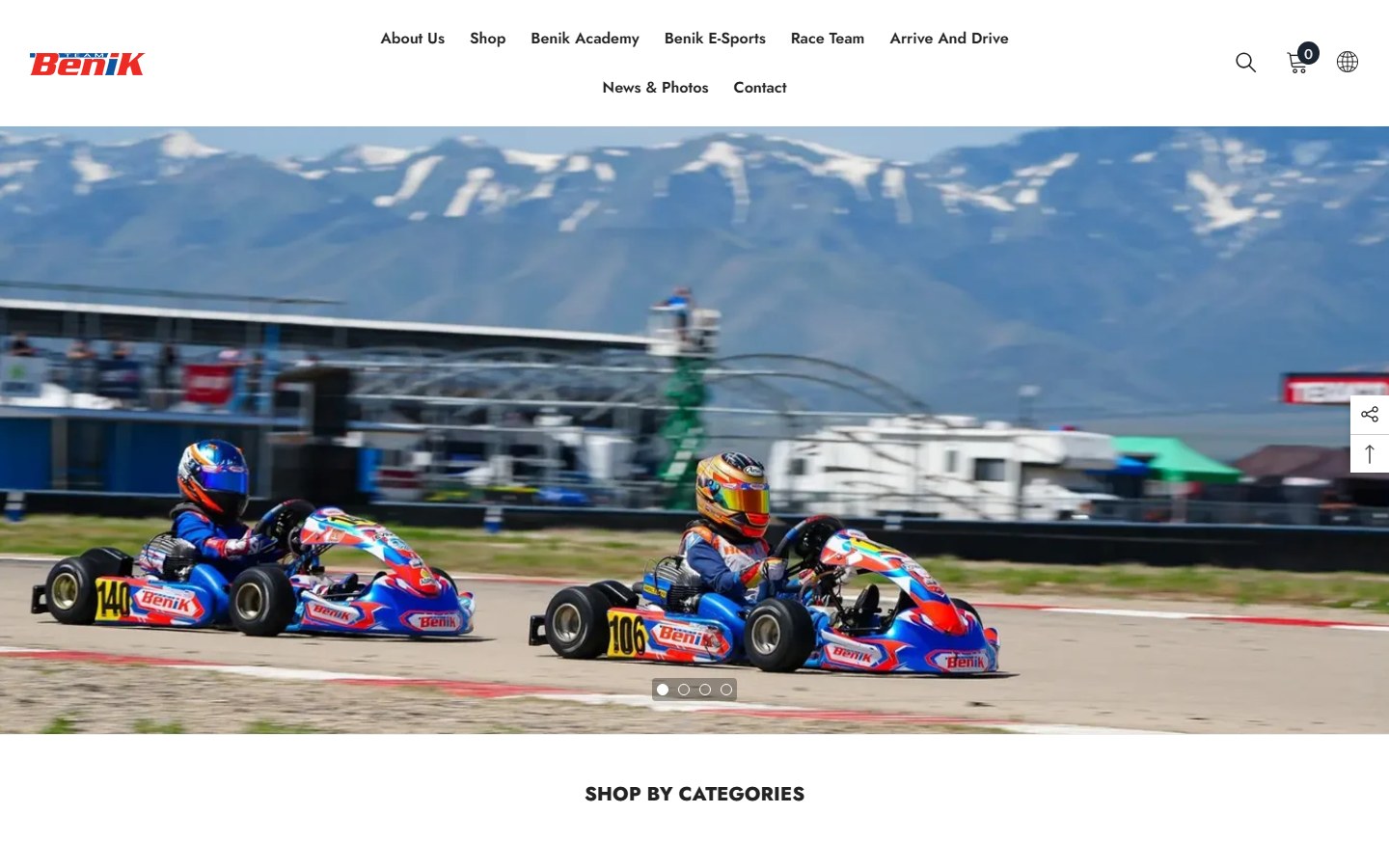
Website for a go-kart parts seller, race team and driver development programme.
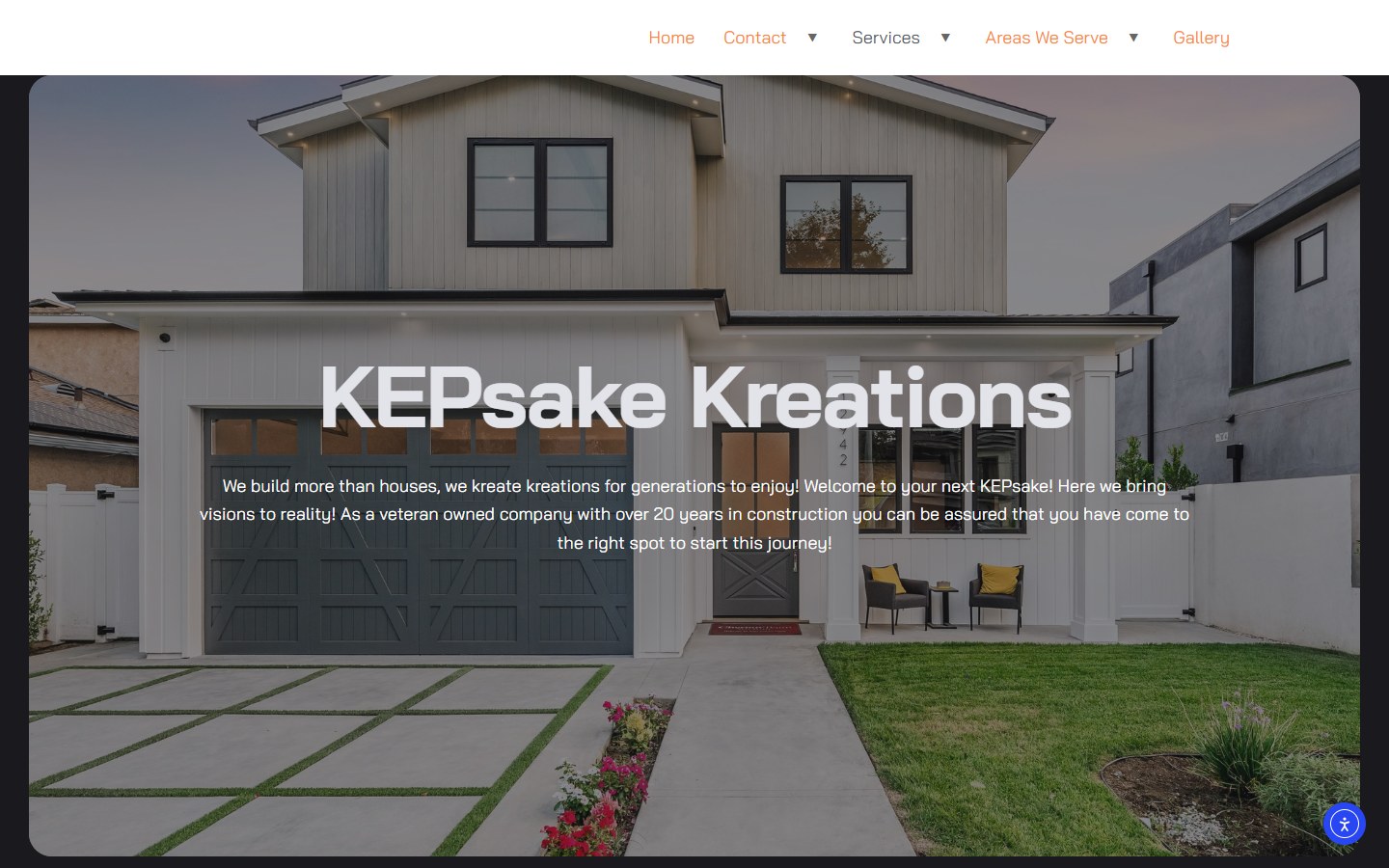
Website for a Tennessee renovation firm: basements, custom homes and outdoor living.
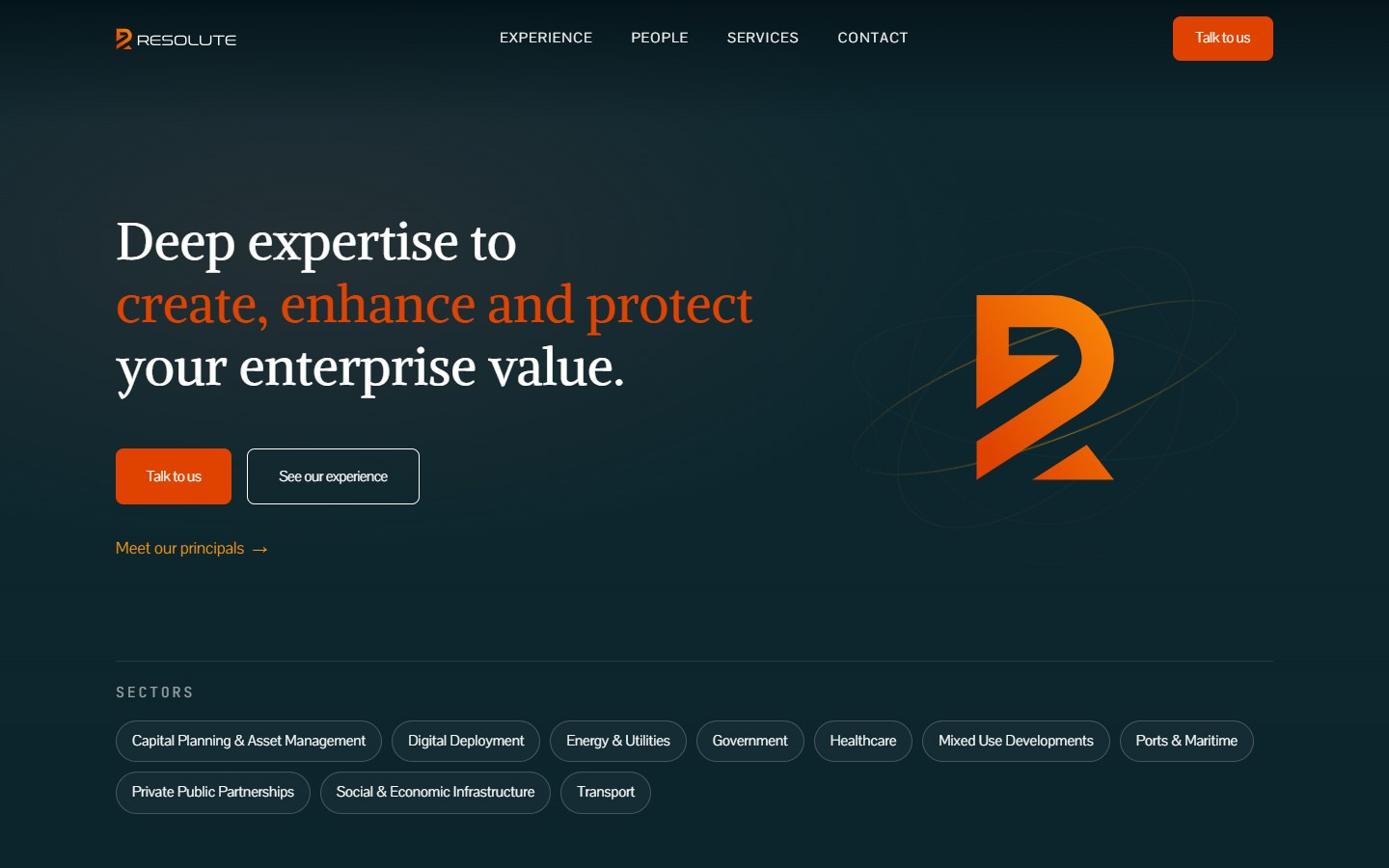
Website for a Dubai advisory firm covering strategy, M&A, data and AI, risk and governance.
How it works
We build a topic list from your customers' questions and YouTube search data, and outline each video before you record.
You record in one session from our outlines. Raw files go to a shared Dropbox, Drive or Frame.io folder.
Retention edit, B-roll, color, audio, thumbnail and title options, shared as a draft for your notes.
We make your changes, add chapters, description and end screens, and schedule the video in YouTube Studio.
Shorts are cut from each video, and the monthly analytics review shapes next month's topics and edits.
Channel gone quiet? We'll look at your analytics and tell you what we'd change first.
Plan Your YouTube ChannelMonthly editing
YouTube rewards channels that publish on a schedule. A monthly package keeps videos going out on time without your team chasing edits.
Billed monthly with no lock-in. Pause in your busy season or add videos when you have more to say.
Each month includes:
Most channels need several months of steady publishing before YouTube recommends them widely, so we plan for the long run from day one.
Compare
Each format reaches people at a different moment. Long-form video does the deepest explaining.
Eight to twenty-minute videos that answer big questions in full, build trust before the first call and keep getting found in search for years.
Fast vertical clips for Reels, TikTok and Shorts that put your work in front of new people but rarely explain anything in depth.
See Social Video EditingBlog posts and guides that rank in Google, and a natural home for an embedded video and its cleaned-up transcript.
See Content WritingOne recording feeds all three: the full YouTube edit, several Shorts and a written article built from the transcript.
Your plan
The right schedule depends on what you can record, what your customers ask and what your channel already has.
We plan around:
A schedule your team can keep for a year beats a strong first month that fades.
Learn About The Digital ElitesFAQ
We won't put a number on it before we've seen your channel, your topics and your market, and we'd treat any promise of views with suspicion. Business channels grow slowly, and the right viewers matter more than the count. We show you watch time, click-through rate and clicks to your website every month so you can judge the return.
A fixed monthly fee based on how many videos you publish, how long they run and how much footage we work through, quoted before we start. No long contracts. Extra stock footage or music licenses, and any filming crew, are separate and agreed in advance.
We deliver a first draft within five to seven business days of receiving the footage, then turn revisions around in two to three days. On a monthly package we work a week or two ahead of your publishing schedule, so nothing goes out late.
Manager access through YouTube Studio's channel permissions lets us upload, schedule and read analytics without ever having your Google password. You can remove our access at any time.
Yes, every video gets thumbnail designs and title options. We test them with YouTube's thumbnail test feature where your channel has it, and watch click-through rate after publishing to learn which styles work for your audience.
A recent phone or mirrorless camera, a lavalier or USB microphone and a quiet room with soft window light cover most business videos. Viewers forgive average picture quality far more readily than bad sound, so if you buy one thing, buy a good microphone.
Yes. Past webinars, long videos and recorded talks are often full of strong 30 to 60-second moments. We cut them into captioned vertical Shorts that link back to the full video, which gives older material a second life.
You do. The channel, the published videos, the thumbnails and the edit project files belong to your business. Finished files and project files go to your shared folder, so you can switch editors without losing anything.
Send us your channel link and tell us what your customers ask most. We'll look at your analytics and suggest topics, a schedule and a fixed monthly quote.