


A Catalog Nobody Can Filter
Three hundred products in one long collection, no size or material filters and variants listed as separate products. Shoppers give up first.
E-commerce development
A store customers can search and buy from on a phone in under a minute, and your team can run without calling a developer.
The Digital Elites builds and migrates Shopify and WooCommerce stores for online retailers, makers and service businesses that sell products. We start with your catalog, your shipping rules and your margins, then build the store around them, not around a theme demo.
Moving from Wix, Squarespace, BigCommerce or an old Magento install? We bring over products, customers and order history, and redirect every old URL so Google keeps sending shoppers to the new store.
Overview
An e-commerce build is a website plus the plumbing behind every order: payments, shipping, tax, stock and the feed that puts your products in Google.
The storefront is the part everyone sees. The part that decides whether you make money is quieter: how products are grouped and filtered, what happens at checkout on a phone, whether shipping charges match what the carrier bills you, and whether your products appear in Google Shopping. We plan all of it before a page is designed.
Shopify plan fees, paid apps, premium themes and card processing are paid by you directly to those providers. Our build fee is a fixed quote, agreed before we start.
Where stores lose sales
Most stores we're asked to fix get enough visitors. The orders are lost somewhere between the product page and the payment button.
Three hundred products in one long collection, no size or material filters and variants listed as separate products. Shoppers give up first.
Surprise shipping at the last step is a classic cause of abandoned carts. Wrong rates also leave you paying the carrier the difference.
No Merchant Center feed, or one full of disapprovals for missing GTINs and mismatched prices, keeps your products out of the Shopping tab.
Every review widget, upsell popup and chat app adds scripts. On a mid-range phone the product page crawls and the buyer leaves.
What's included
Every store is quoted from your catalog size, integrations and migration needs. These are the parts most builds need.
We tell you whether Shopify or WooCommerce suits you before we quote, based on your catalog, your budget and who runs the store day to day.
Shopify suits most stores that want hosting, security and checkout handled for them. WooCommerce suits businesses already on WordPress or needing unusual product logic, and it means owning the hosting and updates.
Collections, tags, variants and filters planned around how your customers actually shop: by size, use, material, brand or price.
We clean up product titles, descriptions and images in bulk by CSV, so the catalog is consistent before launch, not after.
We set up:
Shopify Payments, Stripe, PayPal, Apple Pay, Google Pay and Shop Pay set up and tested on real phones with real cards before launch.
We keep checkout short: guest checkout on, no forced account creation, and shipping and tax shown before the final step.
Flat rates, free-shipping thresholds, live UPS, USPS and FedEx rates, local pickup and delivery by ZIP code, set to match what you actually pay.
Sales tax is configured for the states where you have nexus, using Shopify Tax or a WooCommerce tax service, so you collect the right amount from the first order.
Your products sent to Google Merchant Center with clean titles, GTINs, brand, condition and shipping data, eligible for Shopping ads and free listings.
We clear disapprovals before launch and connect the feed to GA4 and Google Ads, so Shopping campaigns can start the week the store goes live.
Compressed images, a lean theme and only the apps you need. We test product and collection pages on a mid-range Android phone, not a fast office laptop.
Core Web Vitals are checked in Search Console after launch, and any app that slows the store down has to earn its place.
Products, customers, order history, reviews and gift card balances moved from Wix, Squarespace, BigCommerce, Magento or an older WooCommerce site.
Every old product and collection URL points to its new address, so the rankings and backlinks you've built carry across.
Product pages
The product page does the selling a shop assistant would. Before launch, each template answers what a buyer wants to know without scrolling for ages or messaging you.
A product page that sells shows:
We build these into the template, so every product you add later gets the same structure without extra work.
Measurement
Sessions and page views tell you people arrived. They don't tell you where buyers dropped out or what each order cost.
| Measure | What it tells you |
|---|---|
| Conversion rate by device | Whether phone shoppers buy as often as desktop shoppers |
| Checkout drop-off | Which step of checkout loses the most buyers |
| Average order value | Whether bundles and free-shipping thresholds are working |
| Best and dead products | Which products sell and which ones nobody even views |
| Merchant Center status | How many products are approved, limited or disapproved |
| Repeat purchase rate | How many customers come back for a second order |
We set up GA4 e-commerce events alongside your Shopify or WooCommerce reports, so these numbers are there from launch day.
Recent work
A selection of websites we designed and built for clients. Hover a project to scroll the full page.

Site for a virtual interior design studio selling room makeovers, full-home packages and new-build plans.

Website for a Georgia roofing contractor covering repairs, replacements, metal, TPO and solar roofing.

Website selling Singapore home staging and interior renovation as a single service.

Website for a UAE provider of IT and professional certification training for teams.

Website for a Singapore psychology practice offering assessments, psychotherapy and counselling.
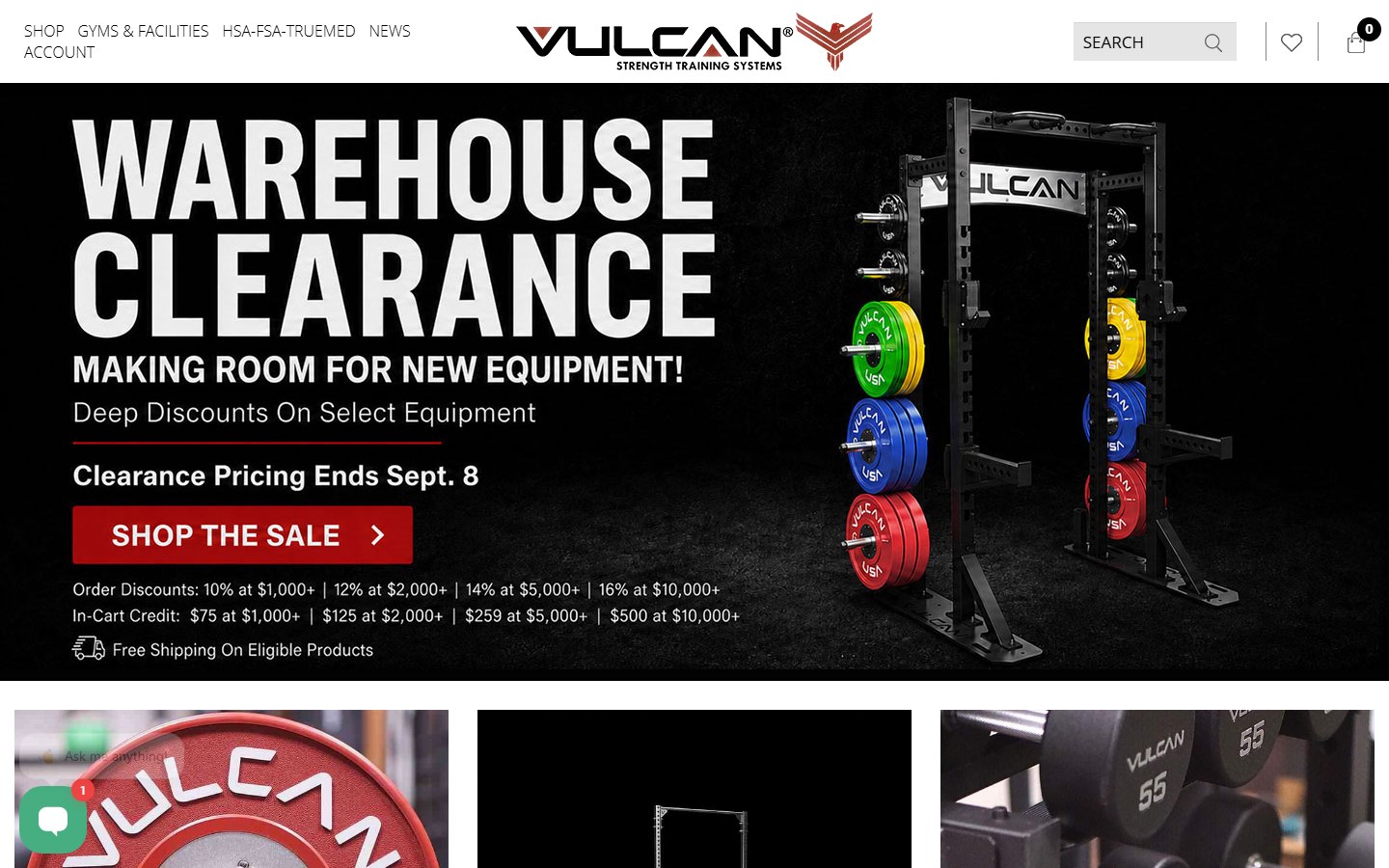
Website for a supplier of bumper plates, bars, racks and rigs for home and commercial gyms.

Website for a go-kart parts seller, race team and driver development programme.
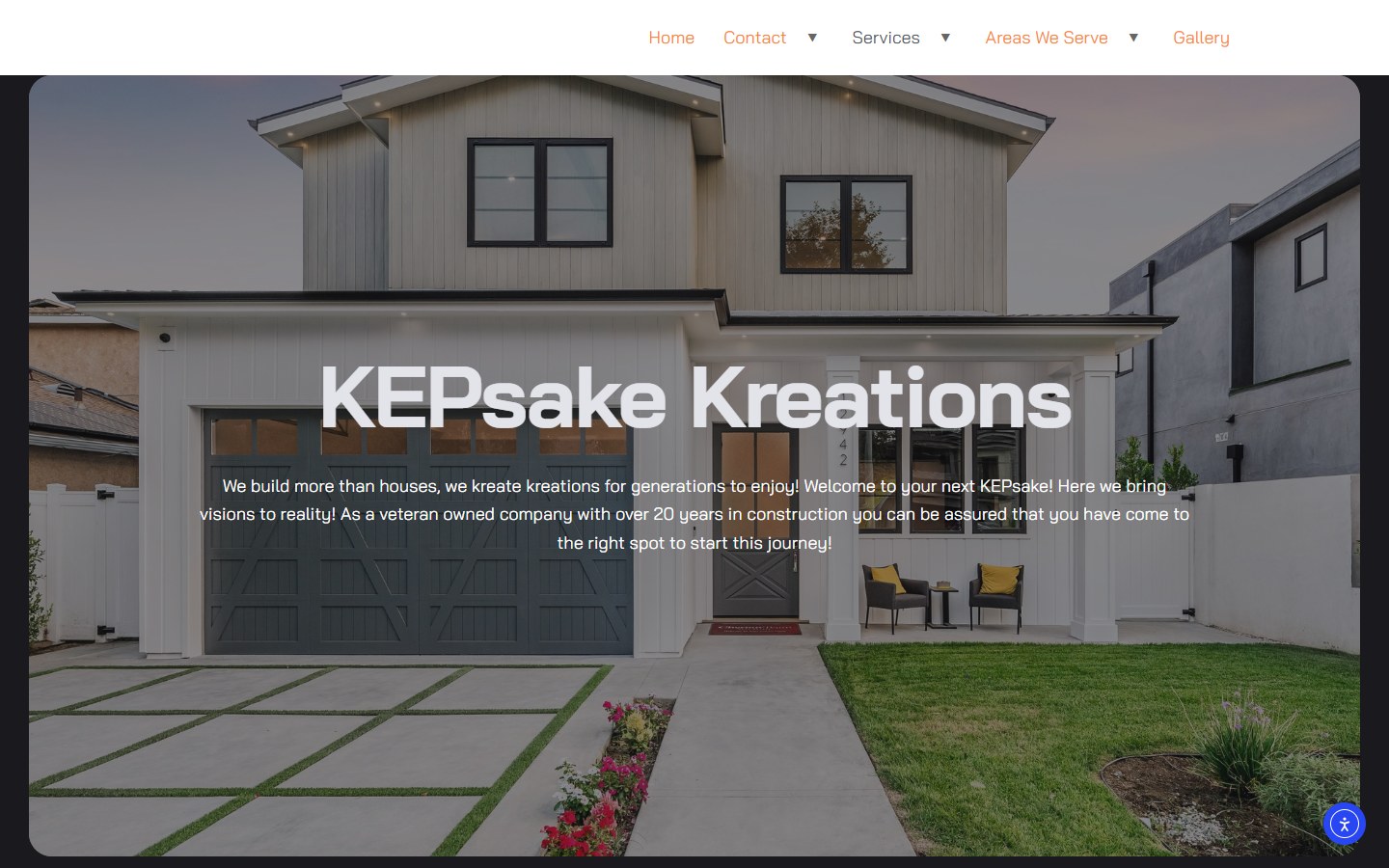
Website for a Tennessee renovation firm: basements, custom homes and outdoor living.

Website for a Dubai advisory firm covering strategy, M&A, data and AI, risk and governance.
How it works
We review your products, variants, shipping and tax needs, recommend Shopify or WooCommerce and agree the scope in a fixed quote.
Collections, filters and page templates are mapped first, then designed for phones before desktop.
Theme build, product import, payments and shipping set up on a staging store you can click through and test.
We place real orders with real cards, check tax and shipping on each, test refunds and read every email your customers receive.
Redirects go live, Merchant Center is connected and we watch orders, errors and Search Console closely for two weeks.
Already selling online? We'll show you where your current checkout loses buyers.
Plan Your Online StoreAfter launch
A store keeps changing after launch: new products, app updates, seasonal sales and platform changes. A care plan keeps it working while you sell.
Billed monthly, no long contract. Stop whenever you're happy running the store yourself.
The care plan covers:
Black Friday and holiday prep starts in September, not the week before, so codes, stock and shipping cutoffs are tested in time.
Compare
Each route trades control against built-in traffic. The right one depends on your margins and how many products you sell.
Shopify or WooCommerce on your own domain. You own the customer list, set your prices and pay no marketplace commission, but you bring the traffic yourself.
The buyers are already there, but referral fees take a cut of every sale, you sit next to rivals on price and you never own the customer's email.
See E-commerce MarketingSelling a dozen products, gift cards or class passes? A CMS site with a Shopify Buy Button or Stripe payment links costs less and does the job.
See CMS WebsitesPlenty of brands run both: their own store for margin and repeat buyers, a marketplace for reach. We'll tell you which to build first.
Your plan
The right build depends on your products and how orders get packed and shipped, not on which theme looks best in a demo.
We plan around:
A store planned on those details launches on time and doesn't need rebuilding the first time you add a product line.
Learn About The Digital ElitesFAQ
We won't promise a sales figure before we've seen your products, your prices and where your traffic comes from, and we'd be cautious of any agency that does. A better store removes the reasons people leave without buying. We set up tracking so you see conversion rate and checkout drop-off from the first week.
Shopify, for most stores. Hosting, security, checkout and updates are handled for a monthly fee, and staff learn it in an afternoon. WooCommerce makes sense if your site already runs on WordPress, you need product logic Shopify apps can't handle, or you want full control of hosting. We'll give you the reasons either way.
A fixed project fee, quoted after we've seen your catalog, integrations and migration needs. Platform plans, paid apps, premium themes and payment processing fees are paid by you directly to those providers. The after-launch care plan is monthly with no long contract.
A store with a clean catalog of a few hundred products usually takes six to ten weeks from kickoff to launch. Migrations with order history, custom product options or POS and inventory integrations take longer. Product data is the usual bottleneck, so catalog cleanup starts in week one.
Not if the move is planned properly. We crawl your current store, map every product, collection and blog URL to its new address with 301 redirects, keep the titles and descriptions that rank, and check Search Console daily for the first weeks after launch.
Yes. Common connections include QuickBooks or Xero for accounting, ShipStation for fulfillment, Klaviyo for email and Square or Shopify POS for in-person sales, so stock levels stay in sync between your shop counter and your website.
We set up the Google Merchant Center feed, fix product disapprovals and link it to Google Ads, which makes your products eligible for free listings and Shopping ads. Running and optimizing the Shopping campaigns themselves is part of our e-commerce marketing service.
You do. The Shopify account or WordPress hosting, the domain, the theme files, the product data and the customer list are all in your business's name. If we ever part ways, you keep everything and we hand back any logins we hold.
Send us your product count, your current platform and your shipping setup. We'll recommend a platform, explain what the build involves and give you a fixed quote.