


Forty Plugins and Counting
Each plugin adds scripts, database tables and another way in. Many sites carry several that do the same job, or that nobody uses.
WordPress development
We fix the slow, broken or hacked WordPress site you have now, then keep it updated, backed up and secure.
The Digital Elites builds custom WordPress themes and repairs existing WordPress sites for service businesses and specialist firms. Most owners come to us with a site that crawls on phones, a plugin update that broke the contact form, or a warning email from their host.
Like how your site looks? We usually don't need to rebuild it. We clean up what's under the hood and keep it that way.
Overview
WordPress runs a huge share of the web, which is exactly why it attracts bots, bad plugins and rushed builds.
A healthy WordPress site comes down to a few habits: a lean theme, a short plugin list, managed updates, offsite backups and decent hosting. Most problems we fix trace back to one of those being skipped. We build new themes on the block editor, work inside Elementor sites when that's what you have, and keep WooCommerce shops running.
Hosting, premium plugin licenses and your domain are paid by you directly. Repairs are quoted as fixed jobs and care plans as a flat monthly fee.
What goes wrong
WordPress itself is rarely the problem. The trouble comes from what's been piled on top of it and the updates nobody ran.
Each plugin adds scripts, database tables and another way in. Many sites carry several that do the same job, or that nobody uses.
Oversized images, a heavy page builder and cheap shared hosting push key pages well past three seconds on mobile data.
Core, PHP and plugins fall years behind because the last update broke something, so now nobody touches anything.
Old plugins and weak admin passwords let in spam injections, redirects to scam sites and Google's hacked-site warning in search.
What's included
Some clients need a one-off fix, others a new theme and a care plan. These are the jobs we do most often.
New WordPress themes built for the block editor, with your own blocks and patterns, no bloated multipurpose theme and no page-builder lock-in.
Pages load only the code they use, and your team edits content in Gutenberg without being able to break the layout.
We profile what's slowing the site, then fix it: image compression and WebP, caching, script cleanup, database cleanup and lazy loading.
If cheap shared hosting is the bottleneck, we move you to a managed WordPress host such as Kinsta, WP Engine or SiteGround without downtime.
A speed fix usually includes:
We list every plugin, what it does, when it was last updated and whether something else on the site already covers it.
Abandoned, duplicate and unused plugins are removed on a staging copy first, so nothing on the live site breaks along the way.
Two-factor login, fewer admin accounts, a web application firewall, file-change monitoring and limits on login attempts.
If the site is already hacked, we clean the infected files and database, close the hole that let it in and request a review in Google Search Console.
WordPress core, PHP version, theme and plugins are updated on a staging copy, tested, then pushed live with a fresh backup in place.
If an update breaks something, we roll back in minutes instead of leaving your contact form down over a weekend.
Already on Elementor, Divi or WPBakery? We work inside your existing builder for fixes and new pages, or plan a move to the block editor when the builder is the problem.
We'll tell you straight whether a rebuild pays off or whether tidying the current setup gets you most of the way there.
Product setup, payment gateways, shipping zones, tax settings and checkout repairs for WooCommerce shops on your existing WordPress site.
For a large catalog or a full store rebuild, we plan it as a separate e-commerce project.
Health check
Before we quote any fix, we look under the hood. The health check covers the things your host's dashboard won't show you, and you get the findings in plain English.
The health check covers:
You keep the report whether you hire us or not. Most sites have two or three fixes that make the biggest difference.
Measurement
A site that looks fine on your office computer can be slow on phones, unpatched and one bad plugin away from going down.
| Measure | What it tells you |
|---|---|
| Mobile load time | How long key pages take to load on a mid-range phone |
| Core Web Vitals | Google's pass or fail on loading, layout shift and response |
| Uptime | How often the site was down, and for how long |
| Pending updates | Core, theme and plugin updates waiting to be applied |
| Security events | Blocked logins, file changes and firewall hits |
| Last tested backup | When a backup was last restored to prove it works |
Care-plan clients get these figures every month, alongside a list of everything we updated and fixed.
Recent work
Sites we designed and built for clients across the US. Hover over any project to scroll through it.

Site for a virtual interior design studio selling room makeovers, full-home packages and new-build plans.

Website for a Georgia roofing contractor covering repairs, replacements, metal, TPO and solar roofing.

Website selling Singapore home staging and interior renovation as a single service.
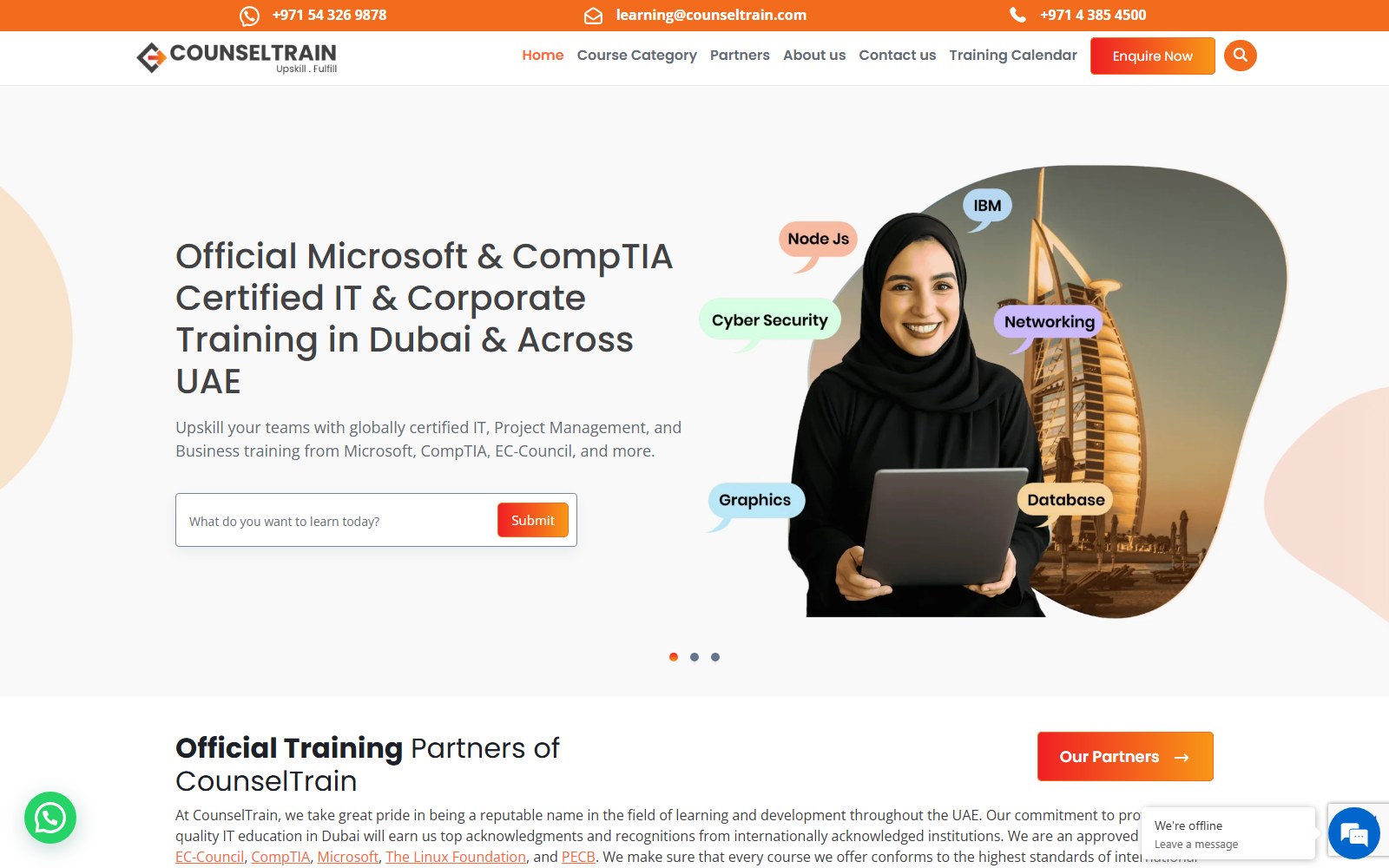
Website for a UAE provider of IT and professional certification training for teams.

Website for a Singapore psychology practice offering assessments, psychotherapy and counselling.

Website for a supplier of bumper plates, bars, racks and rigs for home and commercial gyms.

Website for a go-kart parts seller, race team and driver development programme.
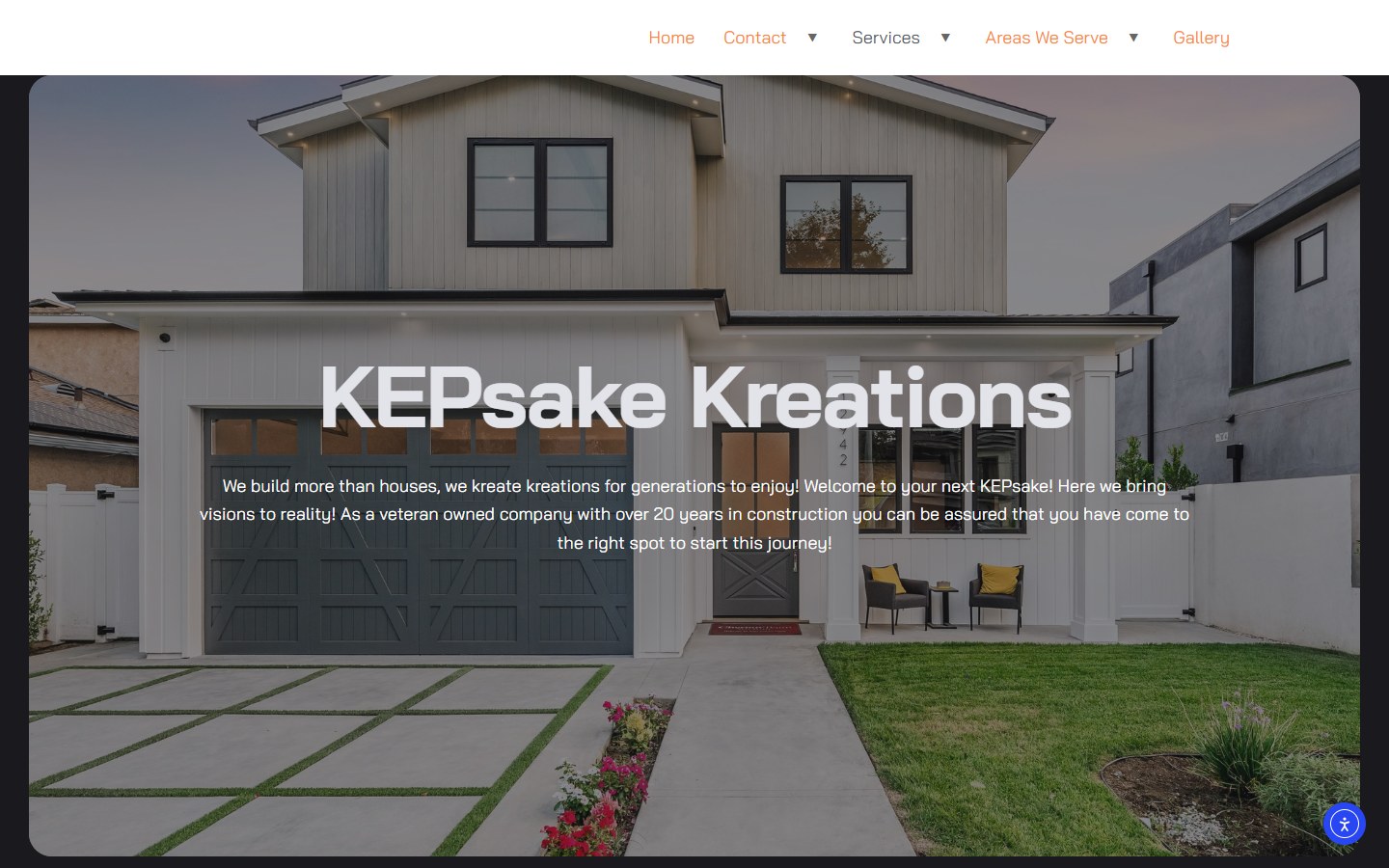
Website for a Tennessee renovation firm: basements, custom homes and outdoor living.
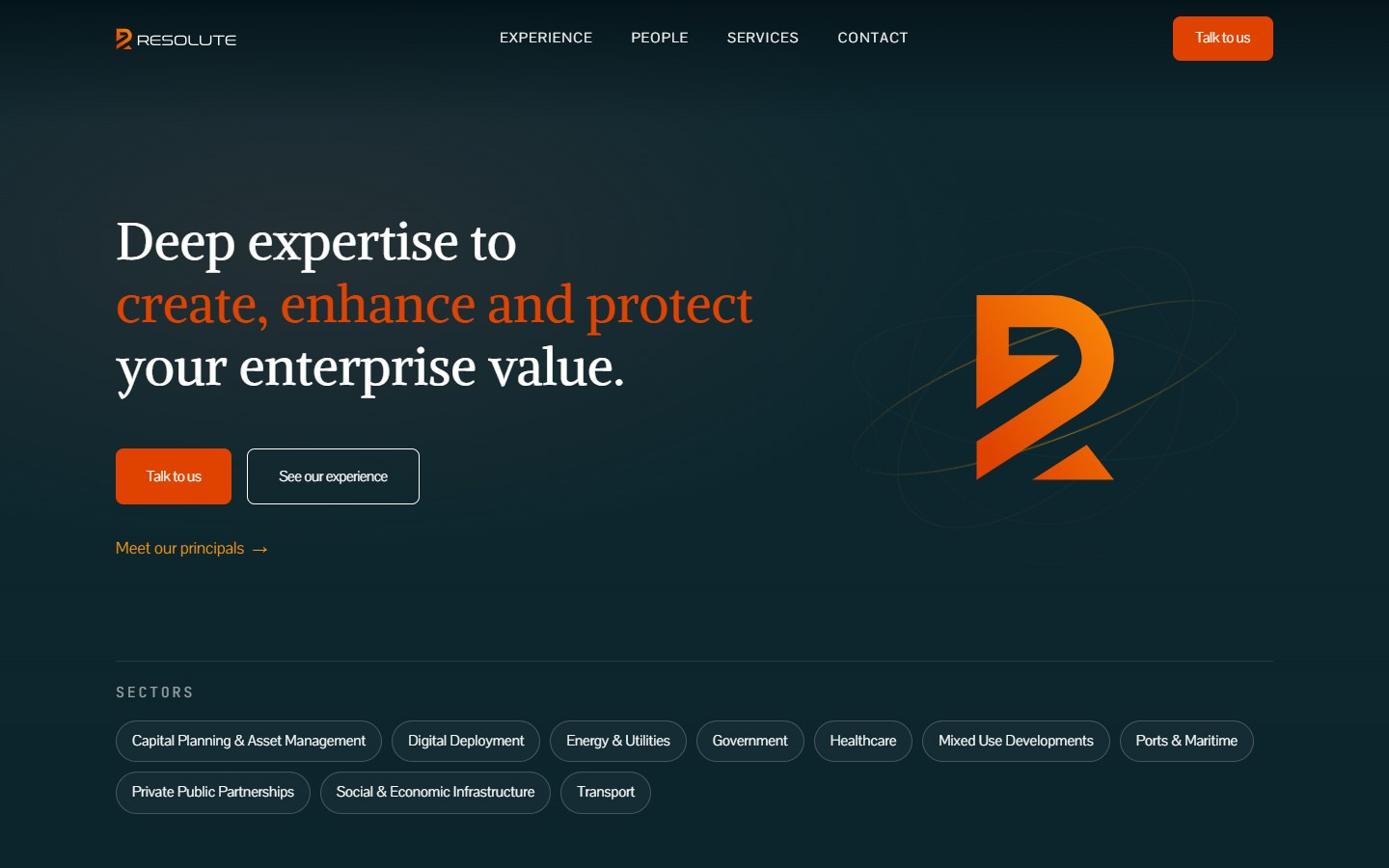
Website for a Dubai advisory firm covering strategy, M&A, data and AI, risk and governance.
How it works
We review versions, plugins, speed, security and backups, then send you a ranked list of what needs fixing.
A full backup is taken and a staging copy set up, so every fix is tested away from your live site.
Speed work, plugin cleanup, updates and security hardening, done on staging and checked page by page.
Changes go live at a quiet time, with before-and-after speed scores and a rollback ready if anything misbehaves.
Most clients move onto a care plan, so the site doesn't drift back to where it started.
Is your WordPress site slow, broken or showing warnings? We'll tell you what's behind it.
Get a WordPress Health CheckCare plans
WordPress needs regular attention. A care plan covers updates, backups, security and small edits, so the site stays fast and you never wonder whether it's safe.
Flat monthly fee, no long contract. Cancel and you keep the site, the backups and every login.
Every month includes:
Larger jobs like a new section, a redesign or a WooCommerce build are quoted separately, so the monthly fee stays predictable.
Compare
Most WordPress problems don't call for a new site. Here's how we decide which route makes sense for yours.
If the design still works for you, a cleanup, a speed fix and a care plan are the cheapest route to a fast, safe site.
If the site sits on a heavy builder with years of patches, a new block theme with planned content types often costs less than fixing it.
See CMS Website BuildsIf WooCommerce upkeep is eating your time and you'd rather not manage hosting at all, Shopify handles that for a monthly fee.
See E-commerce BuildsWe'll recommend the cheapest option that fixes the real problem, even when that's a few hours of cleanup.
Your plan
What your site needs depends on how it was built, where it's hosted and how much it changes.
We plan around:
A care plan built on those facts covers your real risks, not a generic checklist.
Learn About The Digital ElitesFAQ
We won't promise a score before we've profiled your site and hosting, and any agency that quotes one sight unseen is guessing. Some sites gain a lot from image and caching fixes; others are held back by the theme or the server. The health check shows what's slowing yours, and you get before-and-after scores for every fix.
Repairs, speed fixes and cleanups are quoted as fixed jobs after the health check. Custom themes are a fixed project fee. Care plans are a flat monthly fee with no long contract. Hosting, premium plugin licenses and your domain are billed to you directly.
Yes. We take a copy for reference, clean infected files and database entries, replace core files, reset every password and close the gap that let the attacker in. Then we request a review in Google Search Console to clear the warning, and set up monitoring so it's caught early next time.
No. Plenty of sites run fine on Elementor when it's kept updated and pages aren't overloaded with widgets. We suggest a move to the block editor only when the builder is the main reason the site is slow or hard to edit.
Only ones that are unused, abandoned by their developer, duplicating another plugin's job or causing a known problem. You get the list with reasons before anything goes, and every removal is tested on staging first.
We don't resell hosting. We recommend a managed WordPress host that suits your traffic and budget, set the account up in your name and handle the move. That way you're never stuck if you stop working with us.
A site that's down goes to the front of the queue. Speed fixes and cleanups typically take one to two weeks, including testing on staging. A new custom block theme takes six to ten weeks from kickoff.
You do. Hosting, domain, theme files and plugin licenses are in your business's name, and you keep full admin access at all times. We work from our own named user accounts, which you can remove whenever you choose.
Send us your site address and hosting company. We'll run a health check and tell you plainly what's broken, what's slow and what we'd fix first.