


A Messy Merchant Center Feed
Disapproved items, vague titles and missing GTINs mean Google shows your products for the wrong searches, or not at all.
E-commerce Marketing
Shopping ads, catalog ads and email that sell your best-margin products, measured by what's left after costs.
The Digital Elites runs Google Shopping, Performance Max, Meta catalog ads, email and product SEO for Shopify and WooCommerce stores. Every engagement starts with a clean product feed and a clear view of margin per product, because a high ROAS on a low-margin item still loses you money.
Running ads already? We start with your Merchant Center diagnostics and a product-by-product look at what's selling at a profit.
Overview
Store marketing is a chain: the feed decides which searches your products show for, the ads decide who clicks, and the product page and email decide who buys.
Most stores we look at pay for ads before fixing the feed, then judge results on the ROAS figure inside each ad platform. We fix the product data first, set up tracking that matches your Shopify or WooCommerce orders, and report on contribution margin, so you see which products and campaigns actually make money.
Ad spend is billed by Google and Meta to your card. Our fee is fixed and quoted up front, not a percentage of your revenue or your spend.
Where stores lose money
Most stores aren't short of traffic. They're feeding Google poor product data, chasing ROAS on low-margin items or losing buyers between cart and checkout.
Disapproved items, vague titles and missing GTINs mean Google shows your products for the wrong searches, or not at all.
A 4x ROAS on a product with a 20% margin loses money once the ad cost, shipping, fees and returns come out.
Without feed segments and brand exclusions, PMax spends on your own brand searches and claims sales you'd have made anyway.
Shoppers who leave at checkout and first-time buyers who never hear from you again are the cheapest sales a store gives away.
What's included
Each engagement is scoped to your catalog size, platform and margins. These are the pieces most stores need.
We fix disapprovals, rewrite product titles around how people search, and fill in GTINs, brands, sizes, colors and custom labels.
Custom labels group products by margin, price band and best-sellers, so campaigns bid harder on the products that earn more.
The feed review checks:
Standard Shopping and Performance Max campaigns split by margin tier and product category, with brand searches handled separately.
We review search term insights and asset group results weekly, and move budget toward the product groups returning the most profit.
Facebook and Instagram ads built from your product catalog, showing shoppers the exact items they viewed and products like them.
We pair dynamic product ads with UGC-style video for prospecting, and keep retargeting windows short so you're not paying to chase visitors from months ago.
Abandoned-cart, browse-abandonment, welcome and post-purchase flows in Klaviyo or Shopify Email, built before any one-off campaign.
Post-purchase flows ask for a review, suggest the next product and time a replenishment reminder to when the first order runs out.
Product titles, descriptions and collection pages written for the searches buyers use, replacing copy pasted from the manufacturer.
We fix duplicate product URLs, thin collection pages and missing Product schema, so free Shopping listings and rich results show your prices and reviews.
We work out contribution margin per product: price minus cost of goods, shipping, payment fees, returns and ad cost.
That gives every campaign a break-even ROAS target, so budget decisions rest on profit rather than on whatever the ad platform reports.
GA4 and ad platform tracking reconciled against Shopify or WooCommerce orders, so reported sales line up with real ones.
Monthly reports show revenue, contribution margin, new versus returning customers and cost per new customer by channel.
Product feed
In Shopping and Performance Max, the feed does the job keywords do in search ads. Google reads your titles, categories and attributes to decide which searches each product appears for. A weak feed means paying for the wrong searches.
A feed ready for ad spend has:
We fix it in Shopify, WooCommerce or a feed tool like DataFeedWatch, then keep it in sync as products, prices and stock change.
Measurement
Platform ROAS counts revenue, not profit, and Google and Meta both claim credit for the same sale.
| Measure | What it tells you |
|---|---|
| Contribution margin | What's left after product cost, shipping, fees, returns and ads |
| Break-even ROAS | The return each product group needs before an ad sale makes money |
| MER | Total store revenue divided by total ad spend, from your own orders |
| New customer cost | What you paid to win a first-time buyer, separate from repeat orders |
| Repeat purchase rate | How many first-time buyers come back, and how soon |
| Feed disapprovals | Products blocked from Shopping and the reason Google gives |
Margin reporting needs your cost of goods per product. We pull it from Shopify, WooCommerce or a spreadsheet your team keeps current.
Recent work
Stores and websites we designed and built. These show our website work, not e-commerce marketing results. Hover a project to scroll the page.

Site for a virtual interior design studio selling room makeovers, full-home packages and new-build plans.

Website for a Georgia roofing contractor covering repairs, replacements, metal, TPO and solar roofing.

Website selling Singapore home staging and interior renovation as a single service.

Website for a UAE provider of IT and professional certification training for teams.

Website for a Singapore psychology practice offering assessments, psychotherapy and counselling.
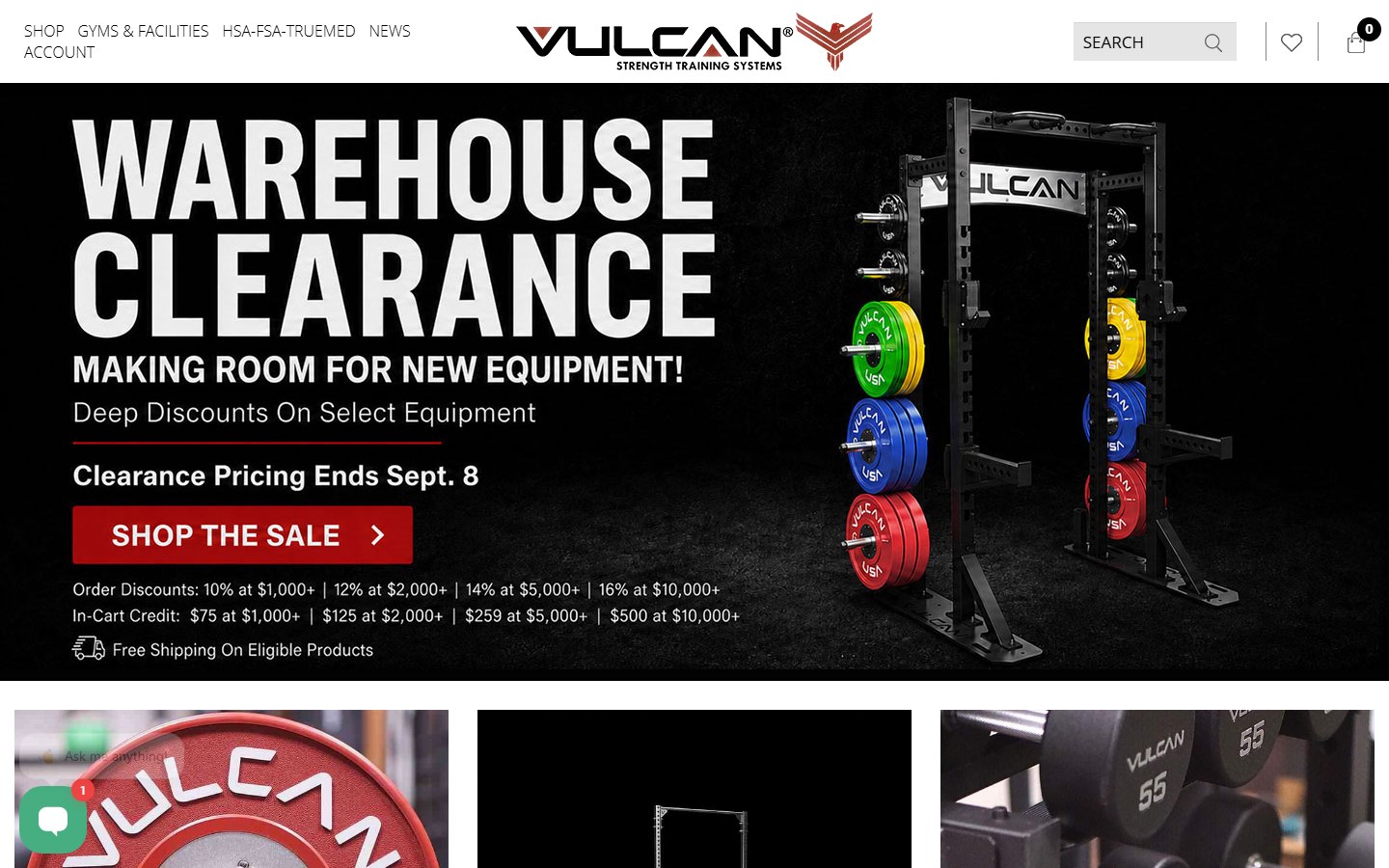
Website for a supplier of bumper plates, bars, racks and rigs for home and commercial gyms.

Website for a go-kart parts seller, race team and driver development programme.

Website for a Tennessee renovation firm: basements, custom homes and outdoor living.

Website for a Dubai advisory firm covering strategy, M&A, data and AI, risk and governance.
How it works
We review Merchant Center diagnostics, Google Ads, Meta Ads, email flows and 90 days of orders by product.
We calculate contribution margin by product group and agree a break-even ROAS for each one.
Feed errors, titles and custom labels get fixed, and purchase tracking is checked against real orders.
Shopping, PMax and catalog campaigns are restructured by margin, and cart and post-purchase flows go live.
Weekly reviews move budget toward product groups above target and pull it from those below.
Running Shopping ads now? We'll show you which products are losing money.
Request a Store Marketing ReviewOngoing management
Catalogs change, prices change and Google's campaign types change. Monthly management keeps the feed, ads and email in step with your store.
No long contracts and no percentage-of-revenue fees. Your fee stays the same when sales grow.
Each month includes:
Month one is feed, tracking and margin work. From month two the focus moves to testing creative and shifting spend to profitable products.
Compare
Each catches shoppers at a different point. Most stores grow Shopping first, then Meta, with email underneath both.
Your products shown with price and image when someone searches for them. The highest buying intent, and the channel most stores grow first.
Products shown to people who haven't searched yet, or who viewed an item and left. Strong for visual, impulse and giftable products.
See Social Media MarketingSales from shoppers you already reached: cart recovery, repeat orders and launches. No cost per click, so it lifts the margin on everything else.
See Our Email MarketingIf the store itself needs a faster checkout or a rebuild, our e-commerce web team handles that side alongside the marketing.
Your plan
How much to spend and where depends on your product margins and repeat rate, not on a platform's suggested budget.
We plan around:
A plan built on margin shows how far you can scale before each extra sale stops being worth it.
Learn About The Digital ElitesFAQ
We won't forecast a number before we've seen your feed, your margins and your current conversion rate, and be wary of anyone who forecasts without them. What we will do is report revenue and contribution margin by channel every month, from the first month, so you judge the return yourself.
A fixed monthly fee based on catalog size, the channels we run and the email work involved, quoted before we start. Ad spend goes directly to Google and Meta, and fees for Klaviyo or feed tools are separate. No percentage-of-revenue fees and no long contracts.
Yes, both. On Shopify we use the Google & YouTube and Facebook & Instagram channels with Klaviyo or Shopify Email. On WooCommerce we use Google Listings & Ads or a feed plugin, and check that purchase tracking fires on the real checkout, which is where WooCommerce setups most often break.
Once your feed is clean and your purchase tracking is accurate, usually yes. Without those, PMax drifts toward your own brand searches and placements that rarely convert. We often start with Standard Shopping for control, then add PMax with brand exclusions once there's enough sales data.
It depends entirely on your margin. A product with a 50% contribution margin before ads breaks even at 2x ROAS; one with 25% needs 4x. We work out break-even ROAS for each product group and set targets above it, rather than chasing a generic industry figure.
Each platform counts conversions its own way, and both ad platforms claim credit for the same sale. Your store's orders are the record that matters. We reconcile platform data against Shopify or WooCommerce and report MER and new-customer cost from your own order data.
Feed fixes and cart recovery flows lift sales within weeks. Rebuilt Shopping and Meta campaigns need four to eight weeks of data before they settle. SEO on product and collection pages takes three to six months to move rankings.
You do. Merchant Center, Google Ads, Meta Business Portfolio and Klaviyo all sit under your business, with us added as users. If we part ways, your accounts, audiences, flows and product data stay with you.
Send us your store URL, recent ad spend and rough margins. We'll show you where the feed is holding you back and which products and campaigns deserve more budget.