


Only the Old Developer Can Edit It
Content hard-coded into templates turns a phone number change into a support ticket and a week's wait.
CMS websites
Change a price, add a service page or post a job opening yourself, without breaking the layout or the SEO.
The Digital Elites builds CMS websites on the WordPress block editor and Webflow for service businesses and specialist firms. We design the editing side as carefully as the pages, so your office manager can publish a new service area page on a Tuesday afternoon.
Stuck on Wix, Squarespace, GoDaddy's builder or a site only your old developer can edit? We move you across with a redirect map for every URL, so the rankings you've earned come with you.
Overview
A CMS (content management system) separates what your site says from how it looks, so non-technical staff can edit content safely.
The difference between a good and a bad CMS site isn't the platform. It's whether someone planned the content: which page types you need, what fields each one holds and who is allowed to publish. Get that right and adding a new location or case study takes ten minutes. Get it wrong and every edit risks breaking the design.
Hosting, Webflow site plans and premium plugin licenses are paid by you directly. Our build fee is fixed and quoted before work starts.
Why sites go stale
Most outdated sites aren't neglected on purpose. Editing them is slow, risky or locked behind one person who isn't around anymore.
Content hard-coded into templates turns a phone number change into a support ticket and a week's wait.
Free-form drag and drop lets anyone shift a column, swap fonts or paste formatting from Word, and the design slowly falls apart.
One shared login means no record of who changed what, and a new hire can delete a page or install a plugin by accident.
Owners stay on a builder they've outgrown because they've heard switching wipes out rankings. Done carelessly, it does.
What's included
Each build is scoped to your pages, your team and how often your content changes. These are the parts we plan for every CMS site.
We map every page type you need, such as services, locations, team members, case studies and FAQs, and decide which fields each one holds.
A location page always has an address, hours, map and service list, so every new location you add looks finished and ranks for its town.
Typical content types:
Your team edits text, images and buttons inside reusable blocks and patterns that hold the spacing, fonts and colors on brand.
In WordPress we build custom blocks for the block editor; in Webflow we use CMS collections and components. Nobody touches the design to change the words.
We recommend the platform that fits who edits the site and what it connects to, and explain the trade-offs in plain terms.
WordPress gives the widest plugin choice and full ownership of the files. Webflow gives designers fine control, with hosting and security included.
Headless setups, with Sanity or Contentful feeding a separate front end, suit larger teams publishing to several sites at once.
Each person gets their own login with the access they need: editors publish, contributors submit drafts for review, and only admins change settings.
Revision history means any change can be rolled back, and you always know who made it.
We export your pages, blog posts, images and form history and rebuild them on the new platform, cleaning up thin or duplicate pages as we go.
Content that's working stays. Pages that never got a visit are merged or retired, with your sign-off.
Before launch we pull every URL with traffic or backlinks from Search Console and GA4, then map each one to its new page.
Titles, meta descriptions and headings that rank are carried across, the new XML sitemap is submitted on launch day, and we watch Search Console for crawl errors through the first month.
A recorded training session for your team, run on your own site, covering the edits you'll make most often.
You also get a short written guide with screenshots: adding a page, swapping an image, updating a team member and publishing a blog post.
Migration checklist
A platform move fails on the details people forget, not on the design. Before launch day we list everything the old site does, including the parts nobody remembers setting up.
Our migration checklist covers:
Anything the old builder did on its own, like booking widgets or newsletter popups, gets a replacement chosen and tested before the switch.
Measurement
A site that looks good on launch day but never changes afterward slowly loses enquiries and rankings.
| Measure | What it tells you |
|---|---|
| Organic traffic after the move | Whether rankings held through the platform switch |
| Search Console 404 errors | Old URLs that still need a redirect |
| Pages updated per month | Whether your team is actually using the editor |
| Time to publish a page | How long a new service or location page takes your staff |
| Form enquiries by page | Which pages bring in calls and form fills |
| Core Web Vitals | Whether the site stays fast as content grows |
We benchmark traffic and rankings before the move, so after launch you compare like for like instead of guessing.
Recent work
Sites we planned, designed and built for clients. Hover a project to scroll through the full page.
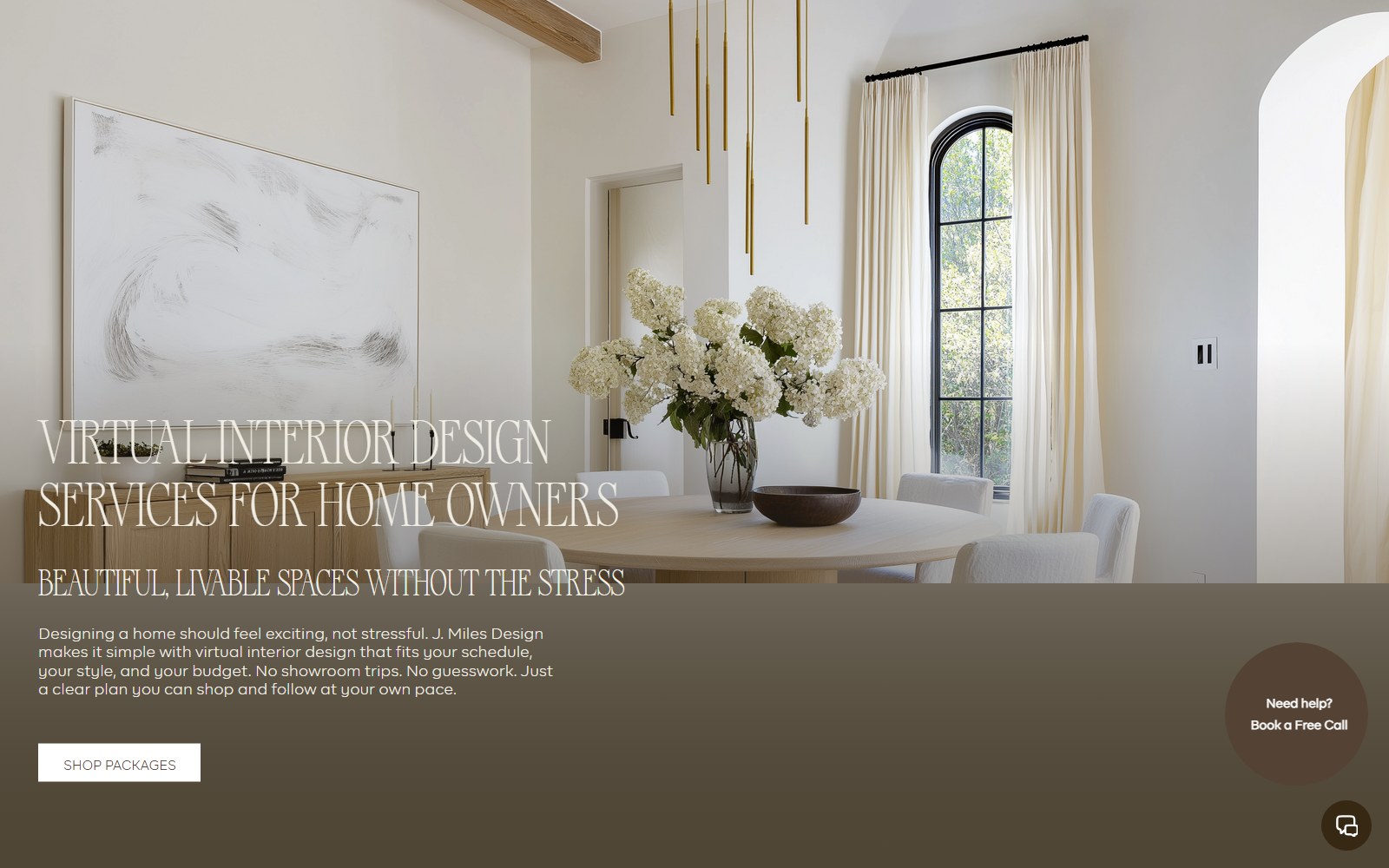
Site for a virtual interior design studio selling room makeovers, full-home packages and new-build plans.

Website for a Georgia roofing contractor covering repairs, replacements, metal, TPO and solar roofing.
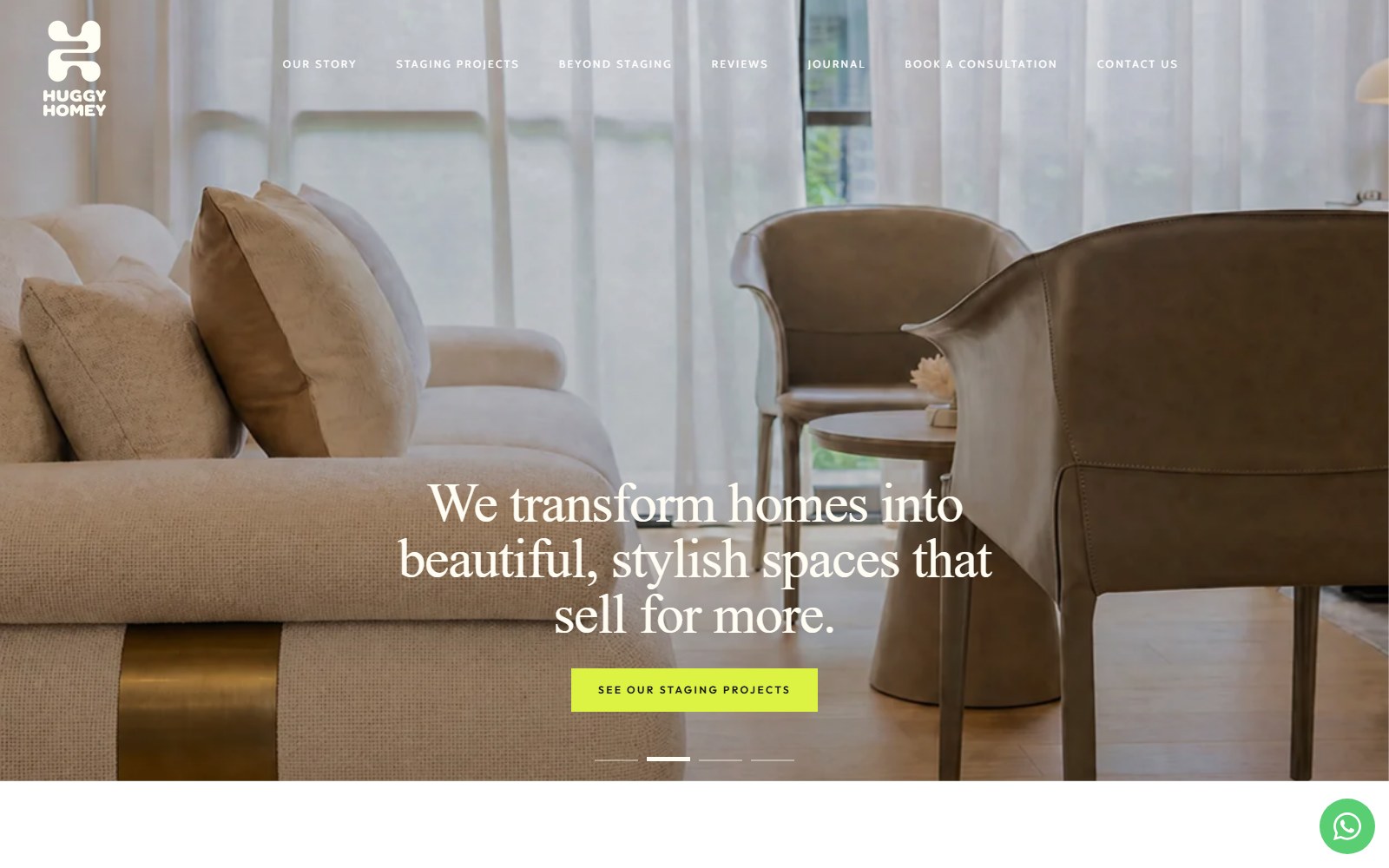
Website selling Singapore home staging and interior renovation as a single service.
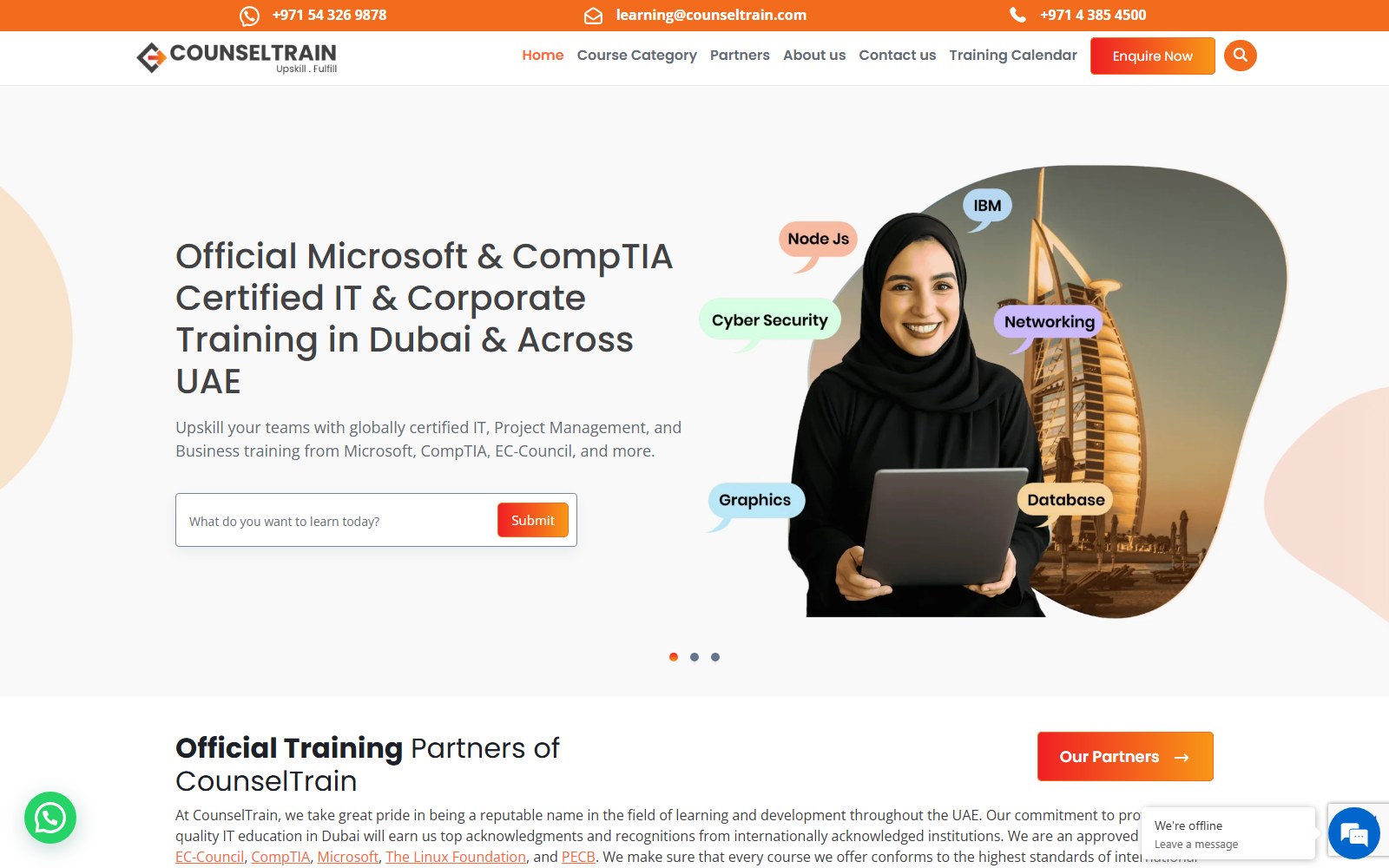
Website for a UAE provider of IT and professional certification training for teams.
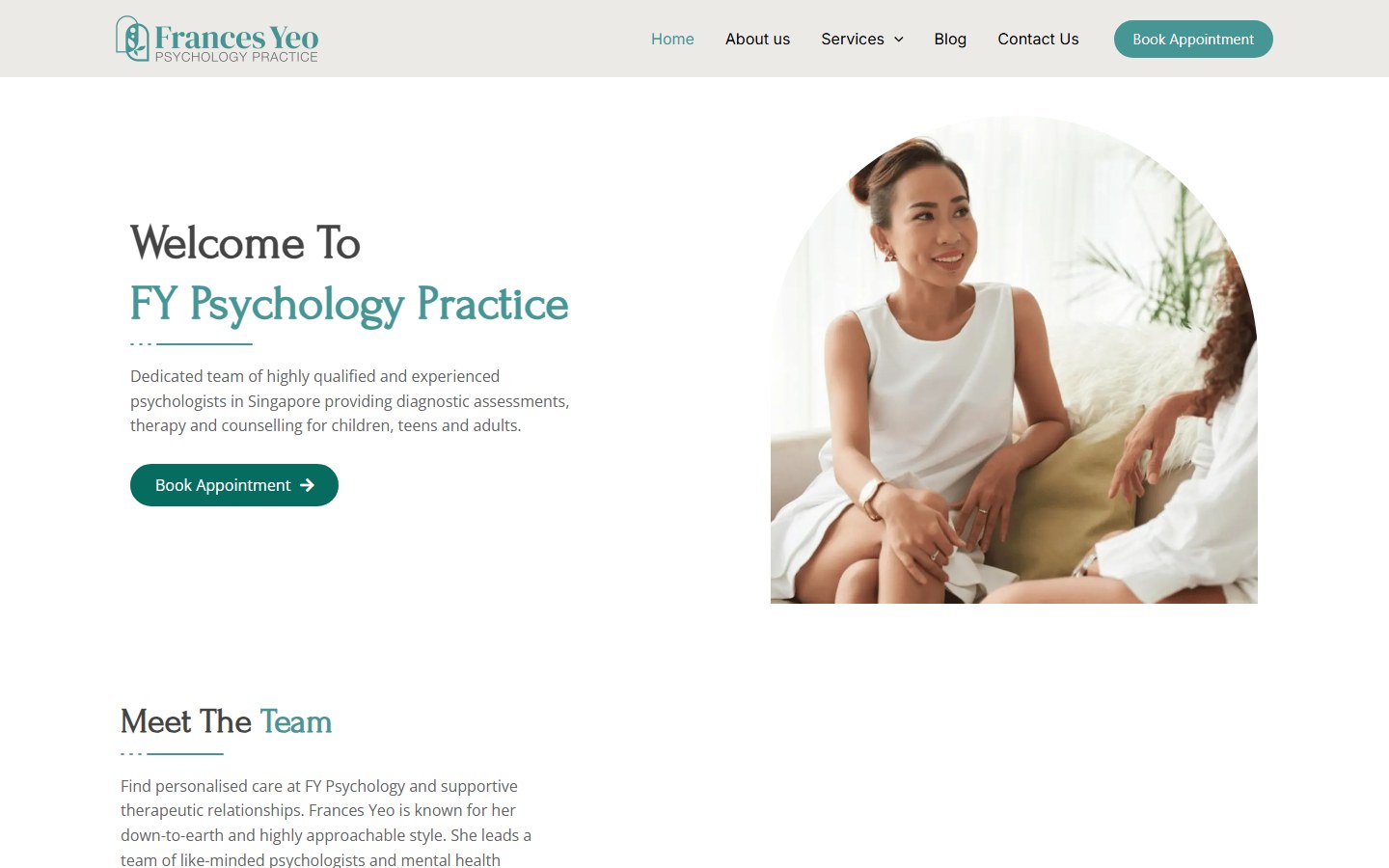
Website for a Singapore psychology practice offering assessments, psychotherapy and counselling.
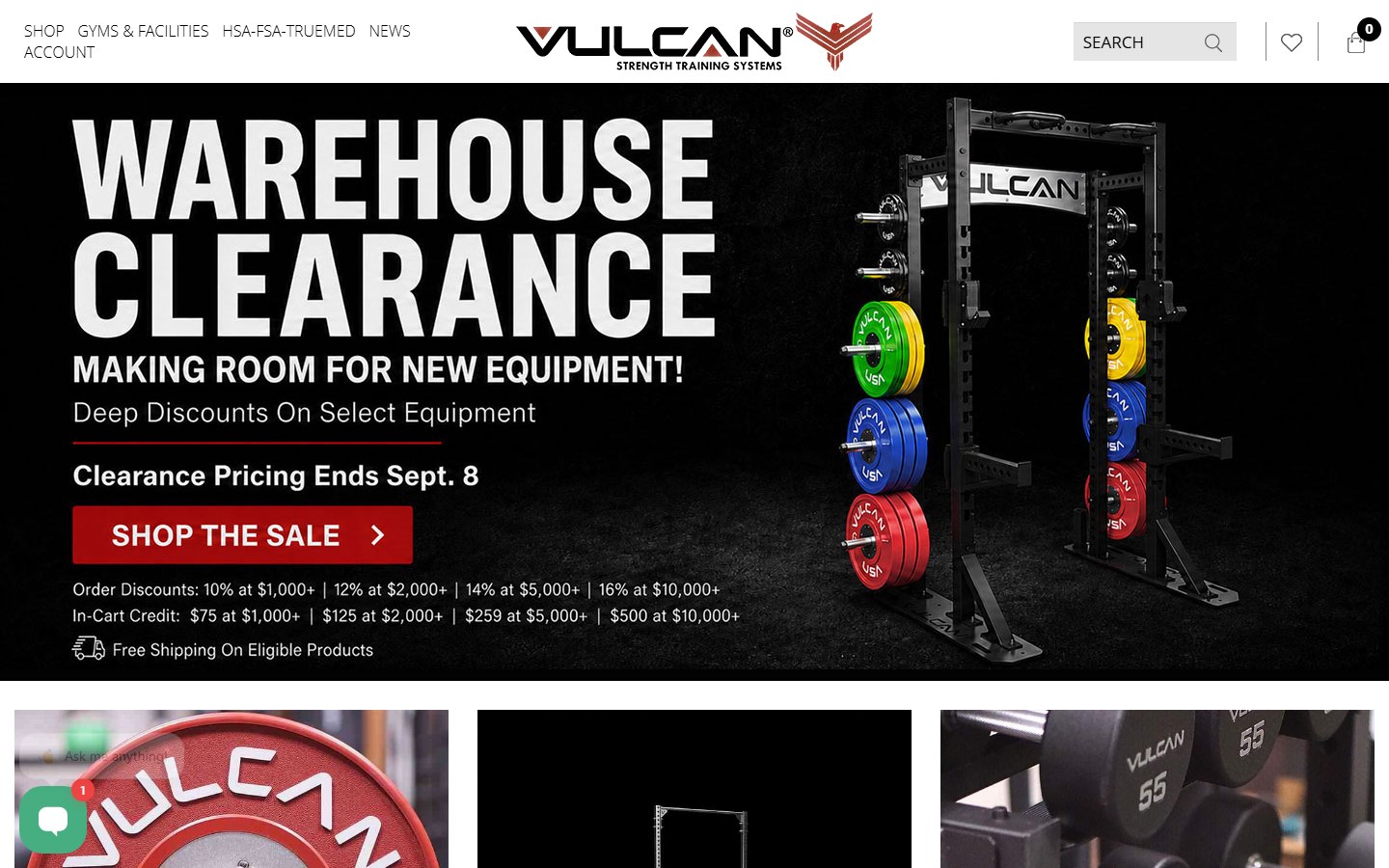
Website for a supplier of bumper plates, bars, racks and rigs for home and commercial gyms.
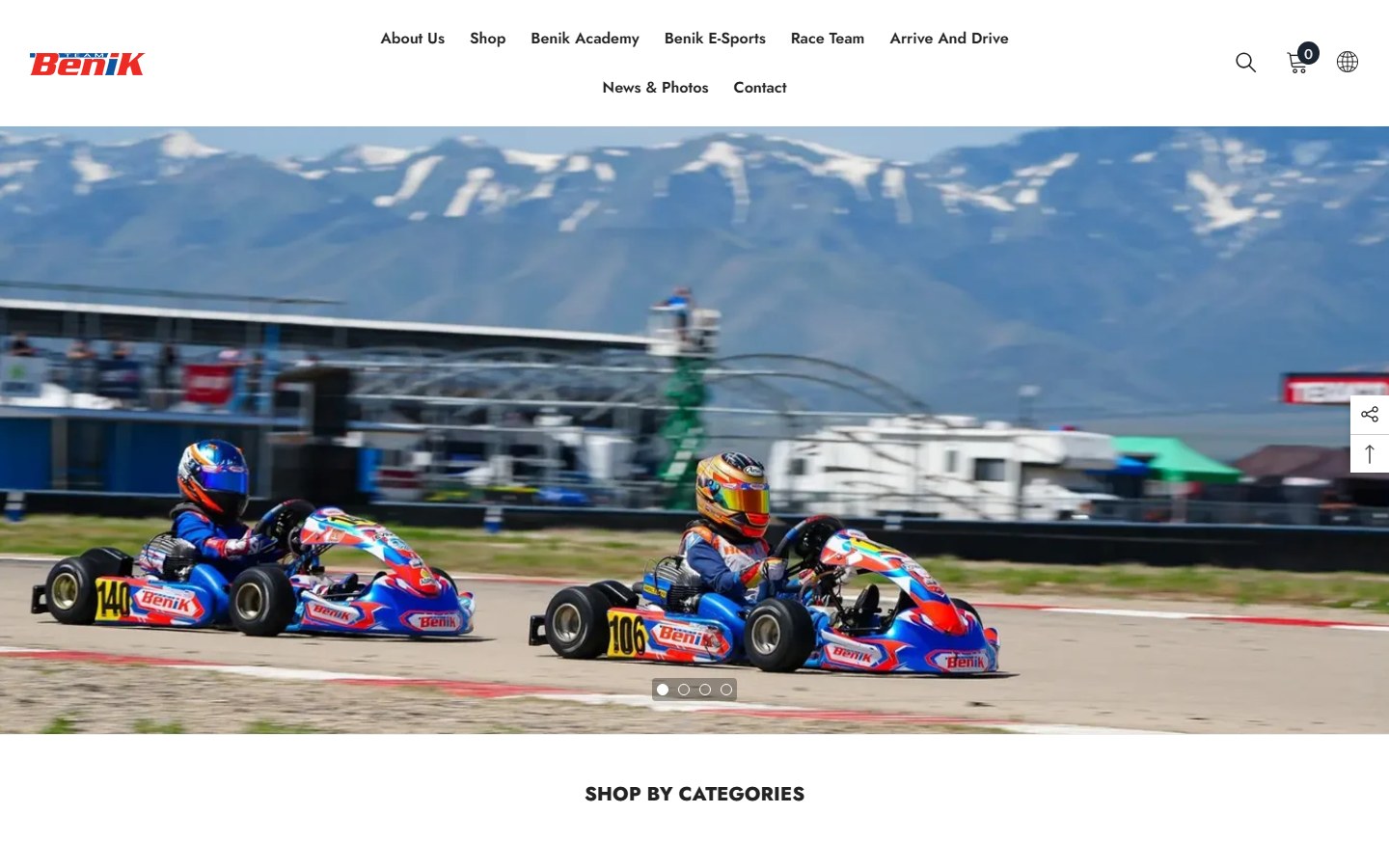
Website for a go-kart parts seller, race team and driver development programme.
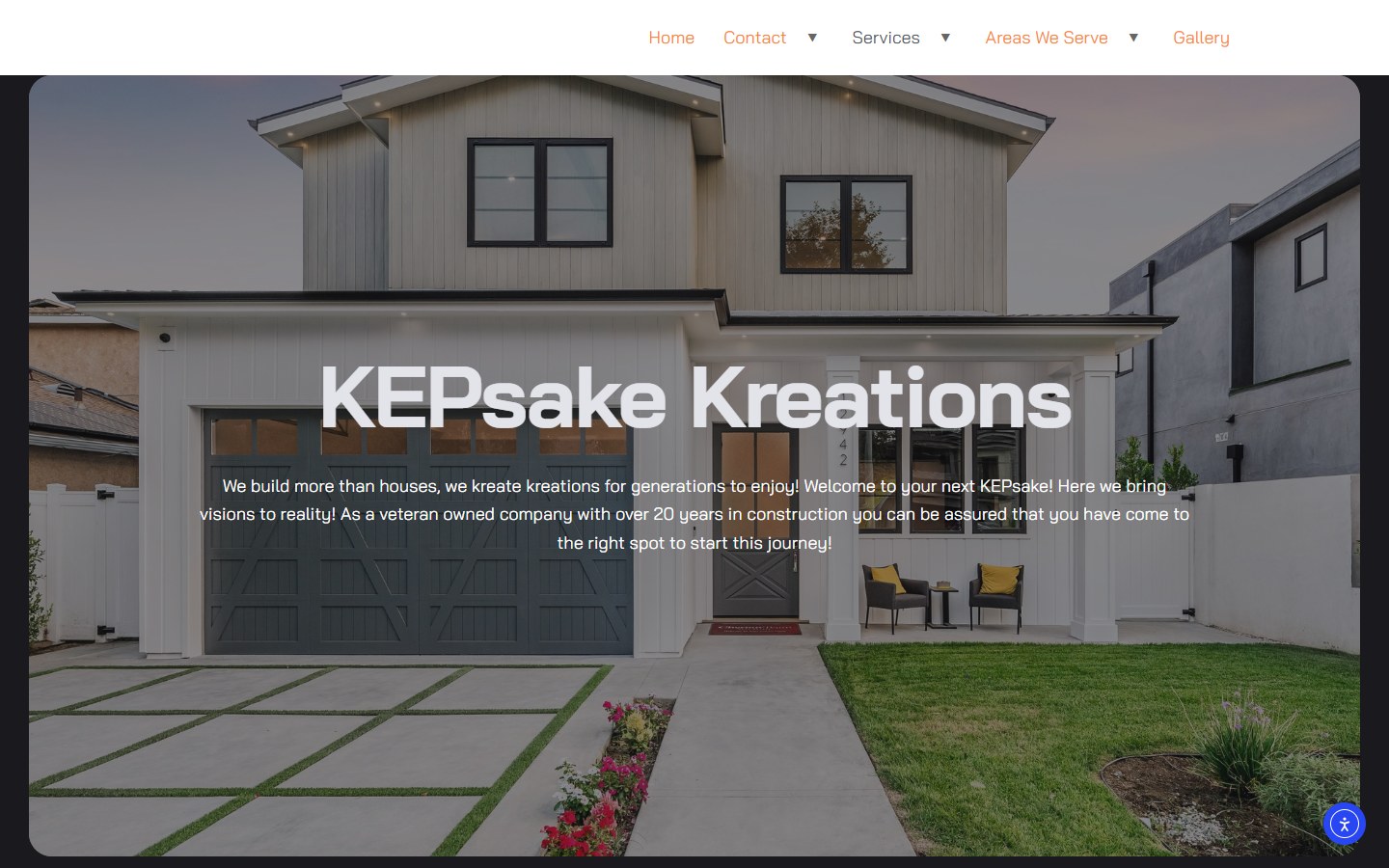
Website for a Tennessee renovation firm: basements, custom homes and outdoor living.
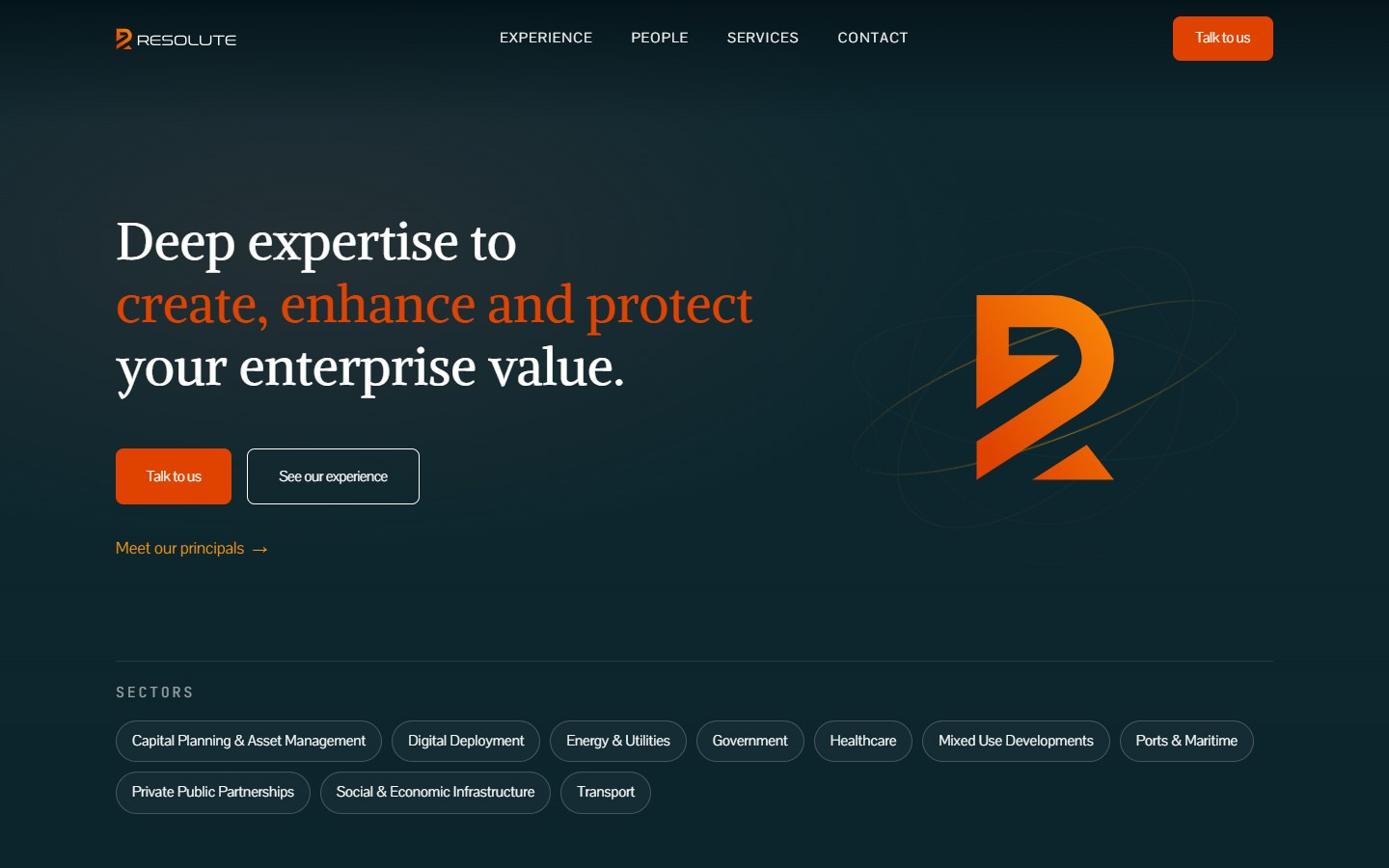
Website for a Dubai advisory firm covering strategy, M&A, data and AI, risk and governance.
How it works
We crawl your current site, pull traffic and backlink data and agree which pages stay, merge or go.
Page types, fields and navigation are agreed before design, so the build matches how your team will edit.
Templates and blocks are built on a staging site. Your team tries the editor before anything goes live.
The 301 redirect map goes live with the new site, the sitemap is submitted and old URLs are tested one by one.
A training session on your own site, a written guide and admin access in your business's name.
Thinking of leaving Wix or Squarespace? We'll show you what the move involves for your site.
Plan Your New WebsiteAfter launch
Your team handles the everyday edits. The care plan covers the parts nobody on your team wants to think about: updates, backups, new templates and fixes.
Billed monthly with no long contract. Your team keeps full editing access either way.
The care plan covers:
Most CMS clients need fewer hours as the team grows confident with the editor, and the plan shrinks to match.
Compare
Each one trades ease of editing against control. The right one depends on who edits the site and what it has to do.
WordPress or Webflow with templates, roles and a content model built for your business. Your team edits freely and the design holds as the site grows.
Fine for a five-page site you rarely change. It gets harder with dozens of location pages, several editors, custom forms or serious SEO work.
Talk to Us About Your SiteIf the site needs client logins, quoting, booking logic or a live link to your CRM, that's an application, not a content site.
See Custom DevelopmentPlenty of businesses start on a DIY builder and it's the right call at the time. We'll tell you whether you've actually outgrown it.
Your plan
The right setup depends on who updates the site, how often, and what each person is allowed to change.
We plan around:
Plan the editing around real people and the site stays current long after launch.
Learn About The Digital ElitesFAQ
We won't put a number on it before we've seen your traffic, your market and what your current site converts, and you'd be right to doubt anyone who does. A CMS site makes it easy to keep pages current and add the service and location pages that bring searches in. We benchmark enquiries before launch so you can compare after.
WordPress suits most service businesses: it's flexible, widely supported and you own the files outright. Webflow suits teams that care about design control and want hosting, security and updates in one plan. If you already work with a WordPress developer or plan to sell online later, WordPress usually wins.
A careless move does. We crawl the old site, export every URL with traffic or backlinks from Search Console, map each one to its new page with a 301 redirect and carry across the titles and content that rank. Some short-term movement is normal; we check Search Console daily after launch and fix errors as they appear.
A fixed project fee based on the number of page types, the migration work and any integrations, quoted before we start. Hosting, Webflow plans, your domain and premium plugin licenses are billed to you directly by those providers. Care after launch is a separate monthly plan you can cancel any time.
Most CMS sites take six to ten weeks from kickoff to launch. The pace usually depends on content: if your team writes the service pages, we give you templates and deadlines; if we write them, it's built into the schedule from the start.
Yes. Each person gets their own login with a role: admins manage settings and users, editors publish, contributors write drafts for review. When someone leaves, you remove their access in seconds without changing anyone else's password.
Headless setups, with content in Sanity, Contentful or WordPress feeding a separate front end, make sense when one team publishes to several sites or apps. For a single business website they add cost and complexity you don't need, and we'll say so.
Yes. The domain, the hosting account, the Webflow workspace or WordPress files and all your content sit in your business's name. You get admin access from day one, and if we part ways nothing has to be transferred, because it was always yours.
Send us your current site address and tell us who edits it. We'll show you which pages carry your rankings, what the move involves and what a fixed quote looks like.