


A Slow Opening
Three seconds of a logo, a hello or someone walking to the truck. Viewers swipe away before the interesting part arrives.
Social video editing
Reels, TikToks and Shorts cut from your job-site footage, with a hook in the first two seconds and captions people read on mute.
The Digital Elites edits short-form vertical video for service businesses, specialist firms and online stores. You film the work you already do, like a tricky repair, a before-and-after or a quick tip from the owner, and we turn it into posts ready for Instagram, Facebook, TikTok and YouTube Shorts.
No studio needed. Most of our editing starts with phone footage, and one well-planned filming day gives us enough clips for a month of posts.
Overview
Short-form editing turns raw, shaky, too-long footage into a 15 to 60-second clip people watch to the end.
The edit decides whether anyone watches. That means cutting the dead air, opening on the most interesting frame, adding captions for people scrolling with the sound off and ending before attention drops. We edit in Premiere Pro and CapCut, export native vertical files for each platform and keep your colors, fonts and logo consistent on every post.
We edit and deliver the videos. Posting, scheduling and paid promotion are handled by your team or by our social media management service.
Why videos get skipped
Most service businesses already have great footage on their phones. It doesn't get views because of how it's cut, not what's in it.
Three seconds of a logo, a hello or someone walking to the truck. Viewers swipe away before the interesting part arrives.
Most people scroll with the sound off. Without burned-in captions, a great explanation of a repair is just silent footage.
Landscape footage dropped into a vertical frame, with text hidden under the app's buttons, looks like an afterthought.
Five videos one week, none for a month. Editing one clip at a time whenever someone has a free hour never keeps a schedule.
What's included
Each package is sized to how many videos you want a month. These are the pieces that go into every edit.
Every video opens on its strongest moment: the finished result, the problem in close-up or a bold line of on-screen text.
For key videos we cut two or three different openings, so you can test which one holds viewers longer.
Word-by-word captions in your brand fonts and colors, placed clear of the like, comment and caption areas on each app.
Every caption is proofread, including the trade terms, product names and town names that auto-captioning gets wrong.
Native 9:16 exports for Reels, TikTok and Shorts with safe zones checked, plus 4:5 or 1:1 versions for feed posts when you need them.
Landscape footage is reframed to follow the action instead of being shrunk into the middle with black bars.
Send us a day's footage and we cut it into a month of videos, delivered together so your posting schedule is full before the month starts.
Long clips become several posts: a full walkthrough, a 15-second result reveal, a quick tip and a behind-the-scenes cut.
Before-and-after reveals, time-lapses, quick repairs and finished projects, cut tight with the transformation on screen early.
We blur house numbers, license plates and customers' faces when a shot shows them, so you can post real jobs without privacy worries.
Reusable title cards, caption styles, lower thirds and end screens, so your videos are recognizable before anyone reads your name.
We set up recurring series, like a weekly tip or "what this job costs", that make planning easy and give followers a reason to come back.
A one-page shot list for your techs or staff: what to film on each job, how to hold the phone and how long each clip runs.
Better raw footage means faster edits and better videos, without hiring a videographer.
A typical shot list asks for:
Video ideas
You don't need dances or trending audio. The short videos that bring in work show what you do, how well you do it and who will turn up at the door.
Formats we edit most:
We suggest a mix based on your trade and the questions your office hears most. Each clip also works on your website and Google Business Profile.
Measurement
Likes feel good. Watch time and shares tell you whether a video reached new people and kept them watching.
| Measure | What it tells you |
|---|---|
| Three-second hold | How many viewers stayed past the hook |
| Average watch time | How much of the video people watched before swiping |
| Shares and saves | Whether people found it useful enough to pass on or keep |
| Reach beyond followers | How far the video traveled past your current audience |
| Profile visits and link taps | How many viewers wanted to know more about you |
| Enquiries mentioning videos | Calls and messages from people who saw your posts |
With read access to Instagram Insights, TikTok Analytics and YouTube Studio, we review these each month and use them to plan the next batch.
Recent work
These show our website work, not video edits. Hover a project to see the whole page scroll by.
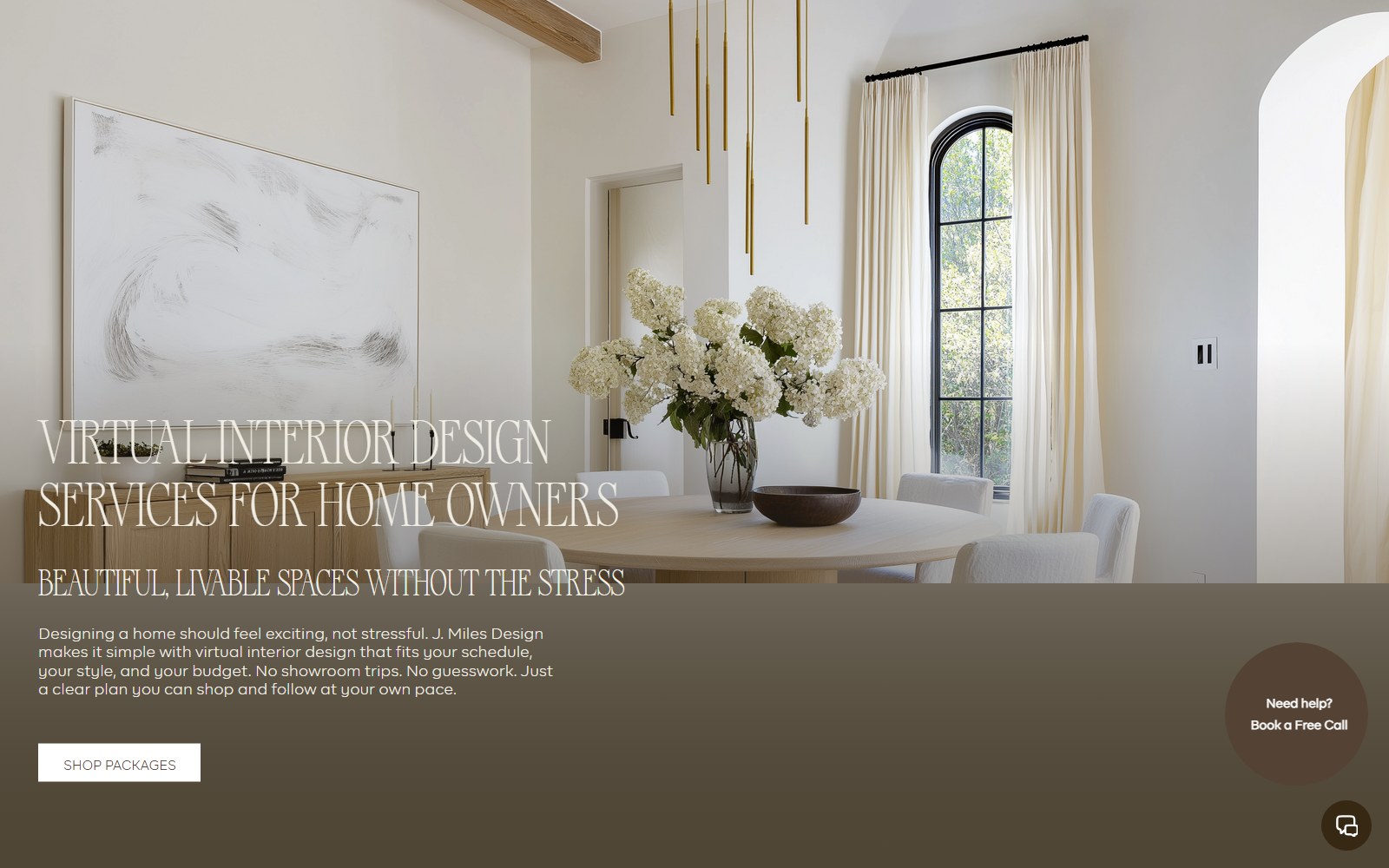
Site for a virtual interior design studio selling room makeovers, full-home packages and new-build plans.
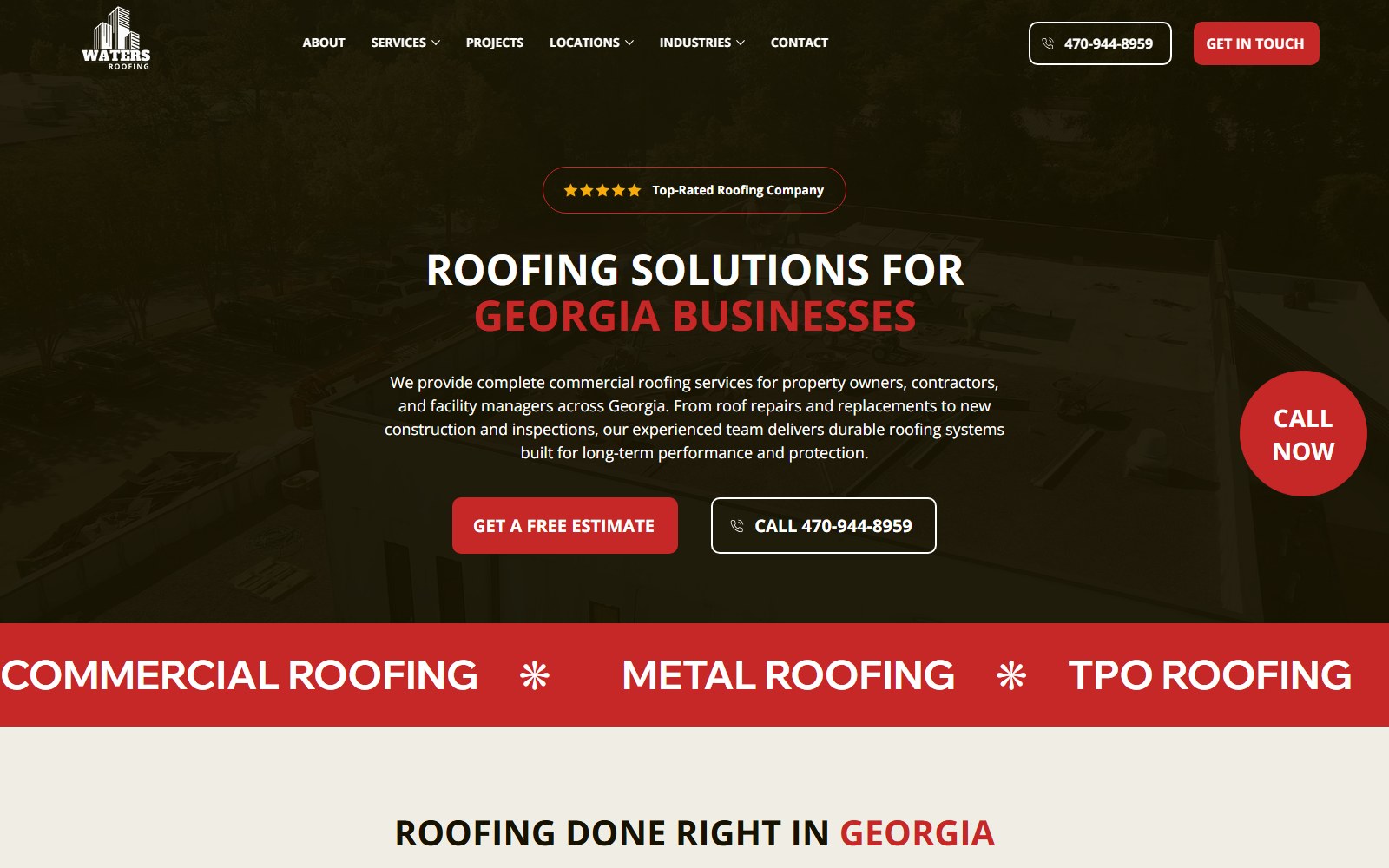
Website for a Georgia roofing contractor covering repairs, replacements, metal, TPO and solar roofing.

Website selling Singapore home staging and interior renovation as a single service.
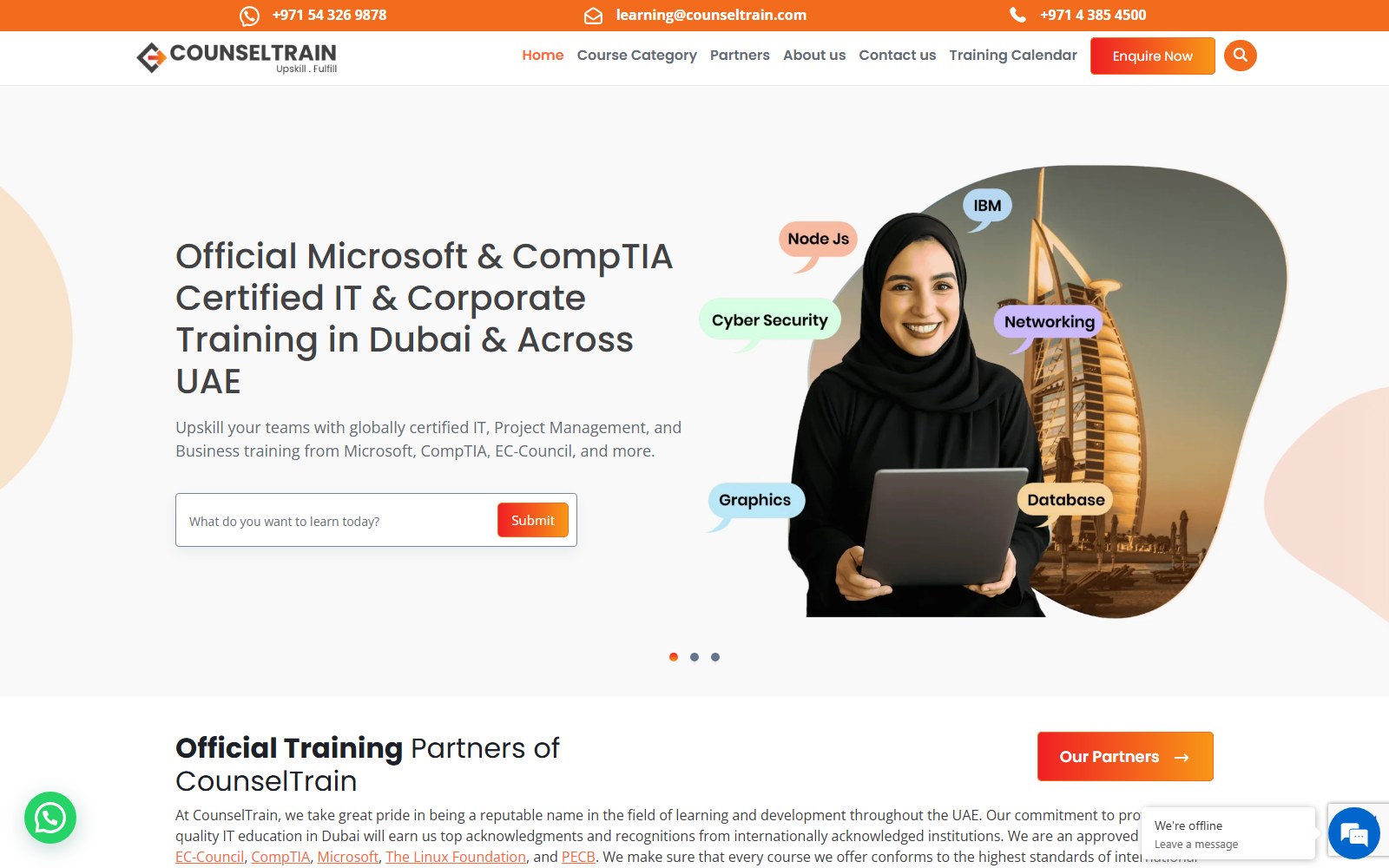
Website for a UAE provider of IT and professional certification training for teams.
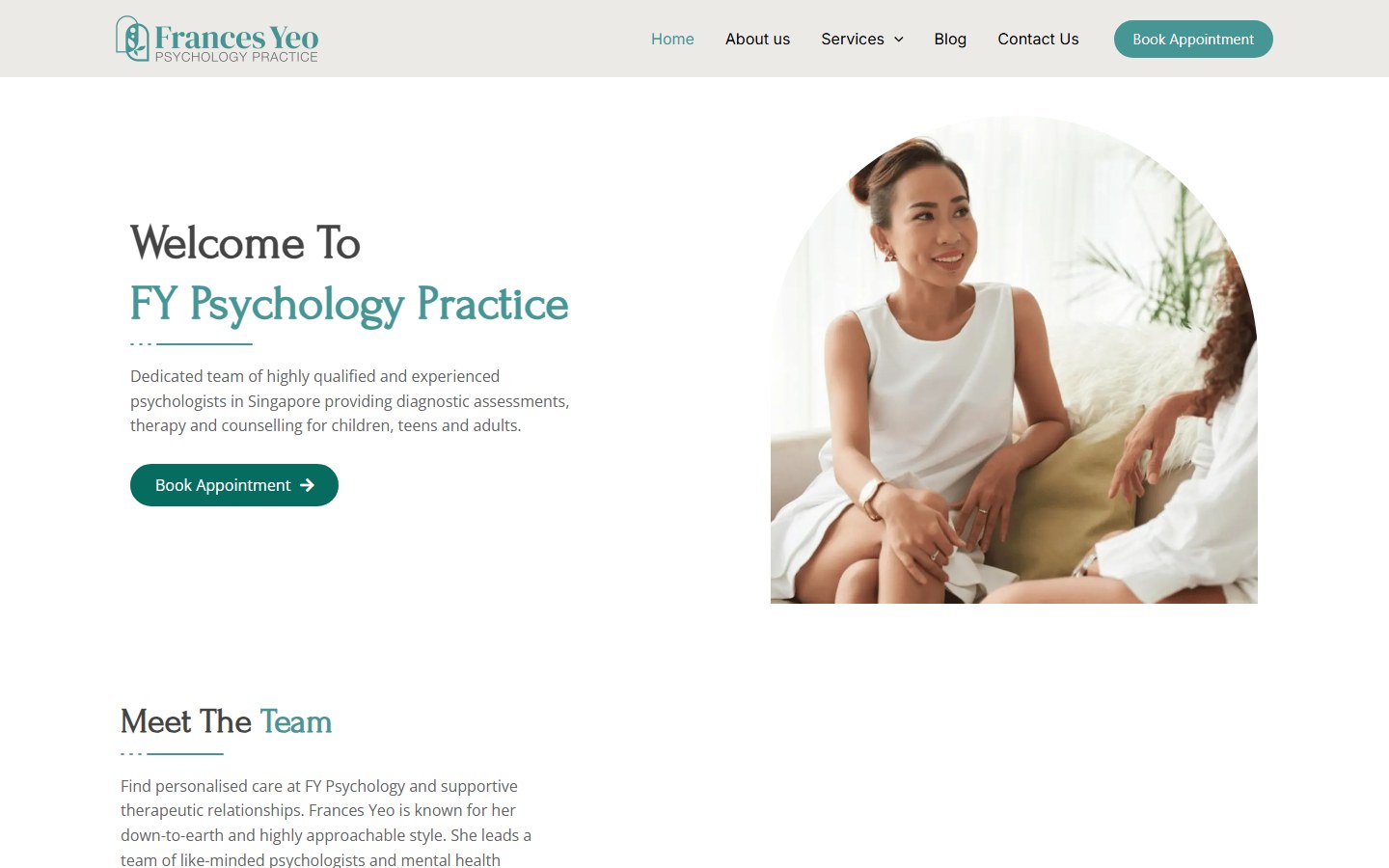
Website for a Singapore psychology practice offering assessments, psychotherapy and counselling.
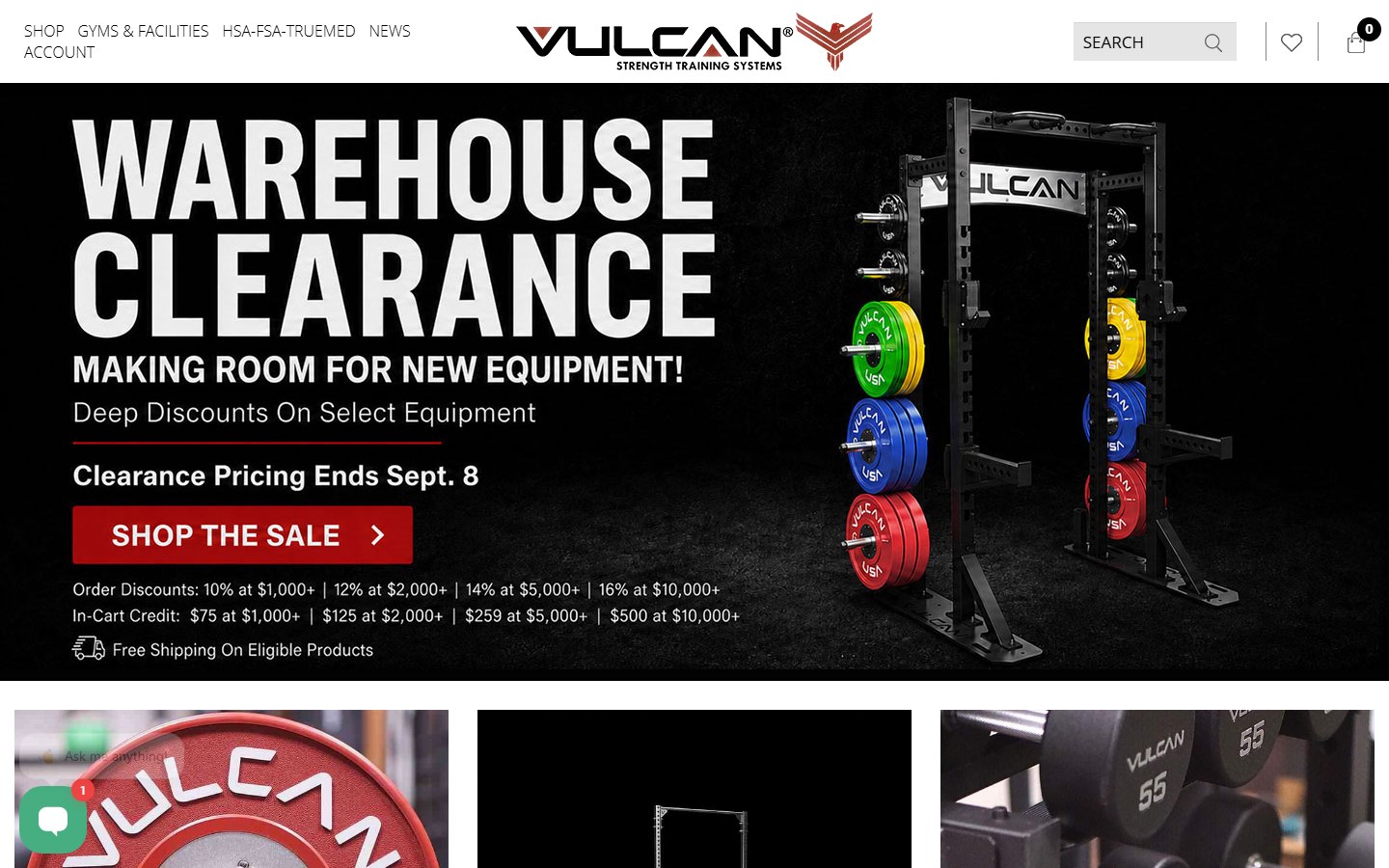
Website for a supplier of bumper plates, bars, racks and rigs for home and commercial gyms.
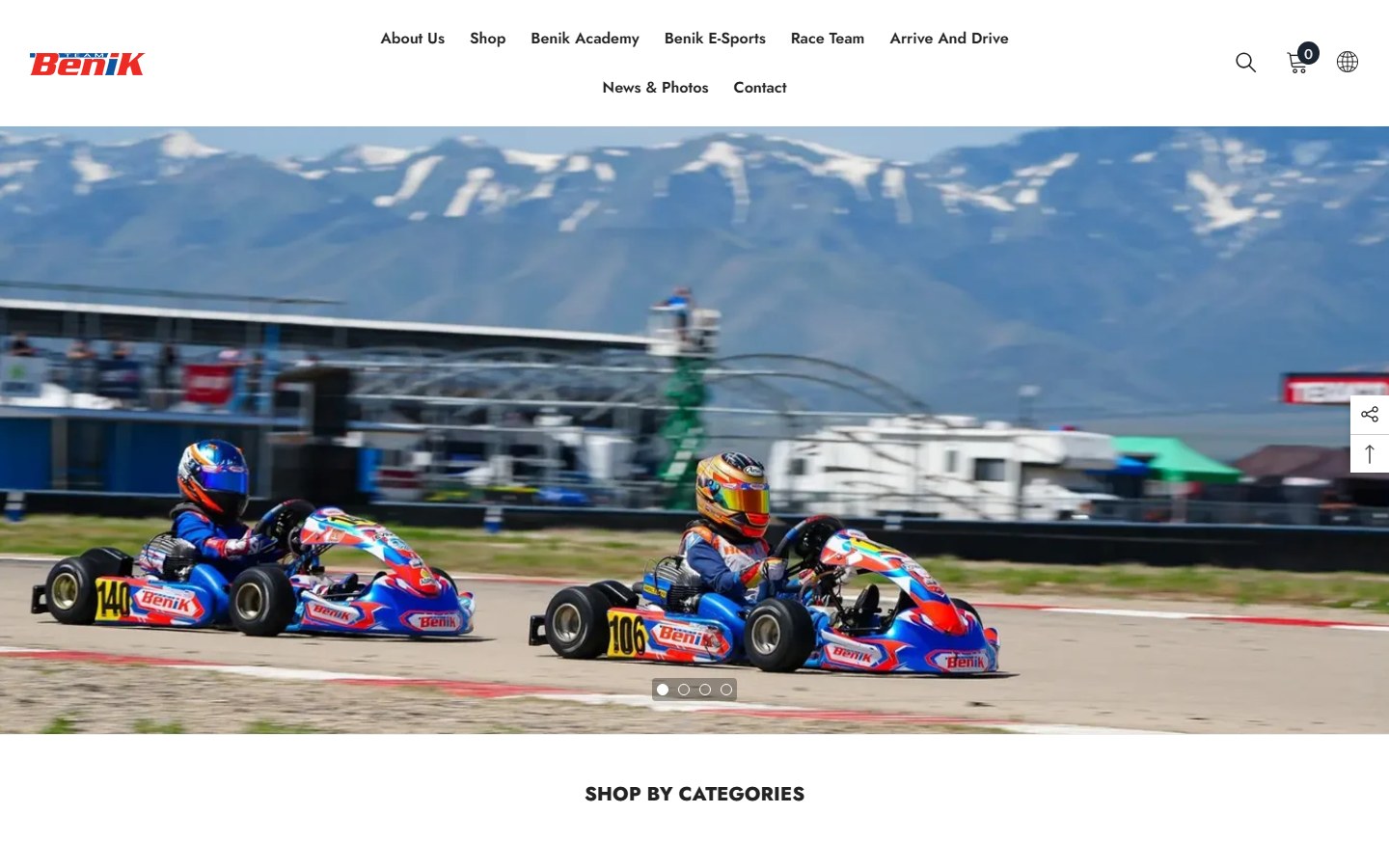
Website for a go-kart parts seller, race team and driver development programme.
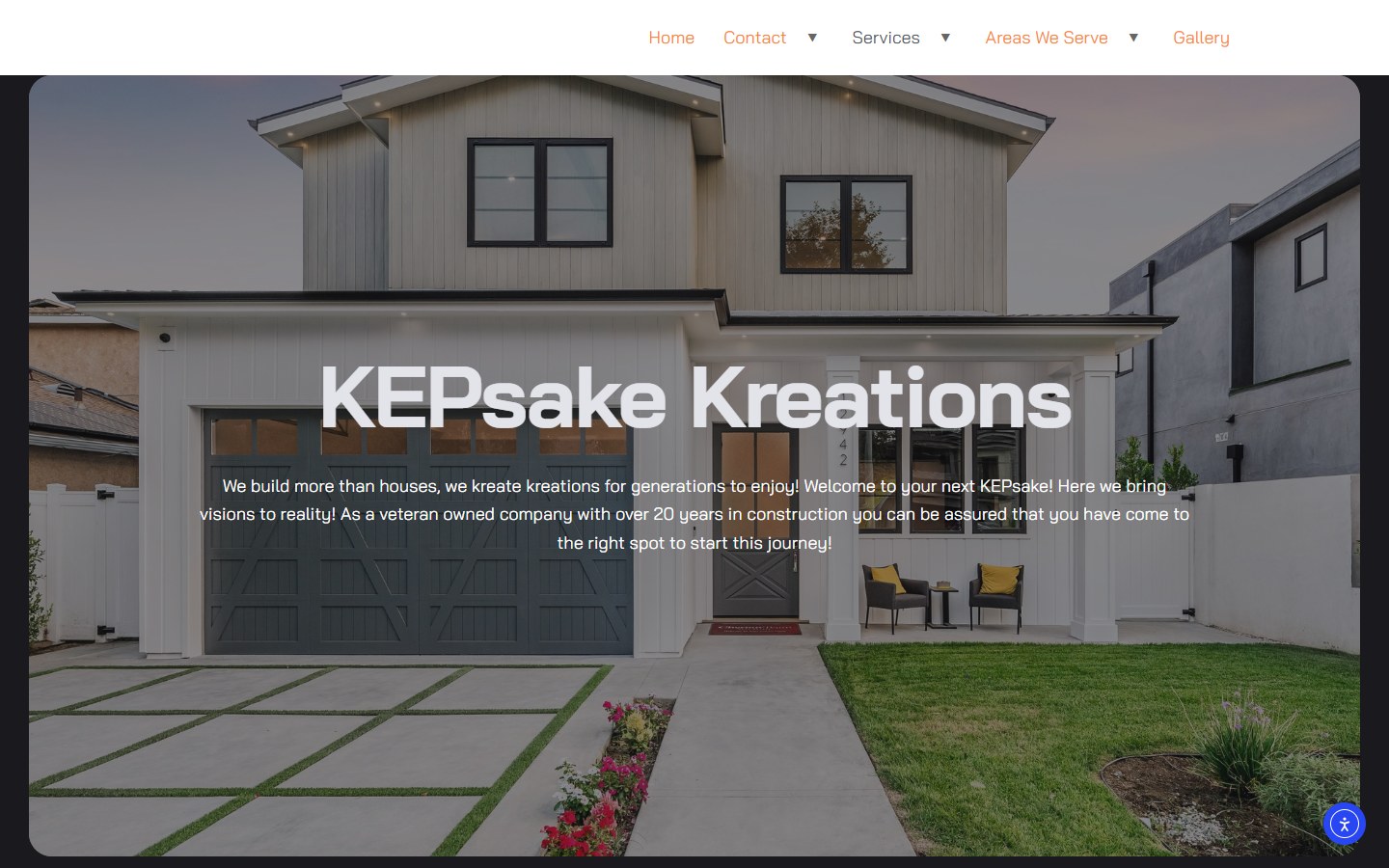
Website for a Tennessee renovation firm: basements, custom homes and outdoor living.
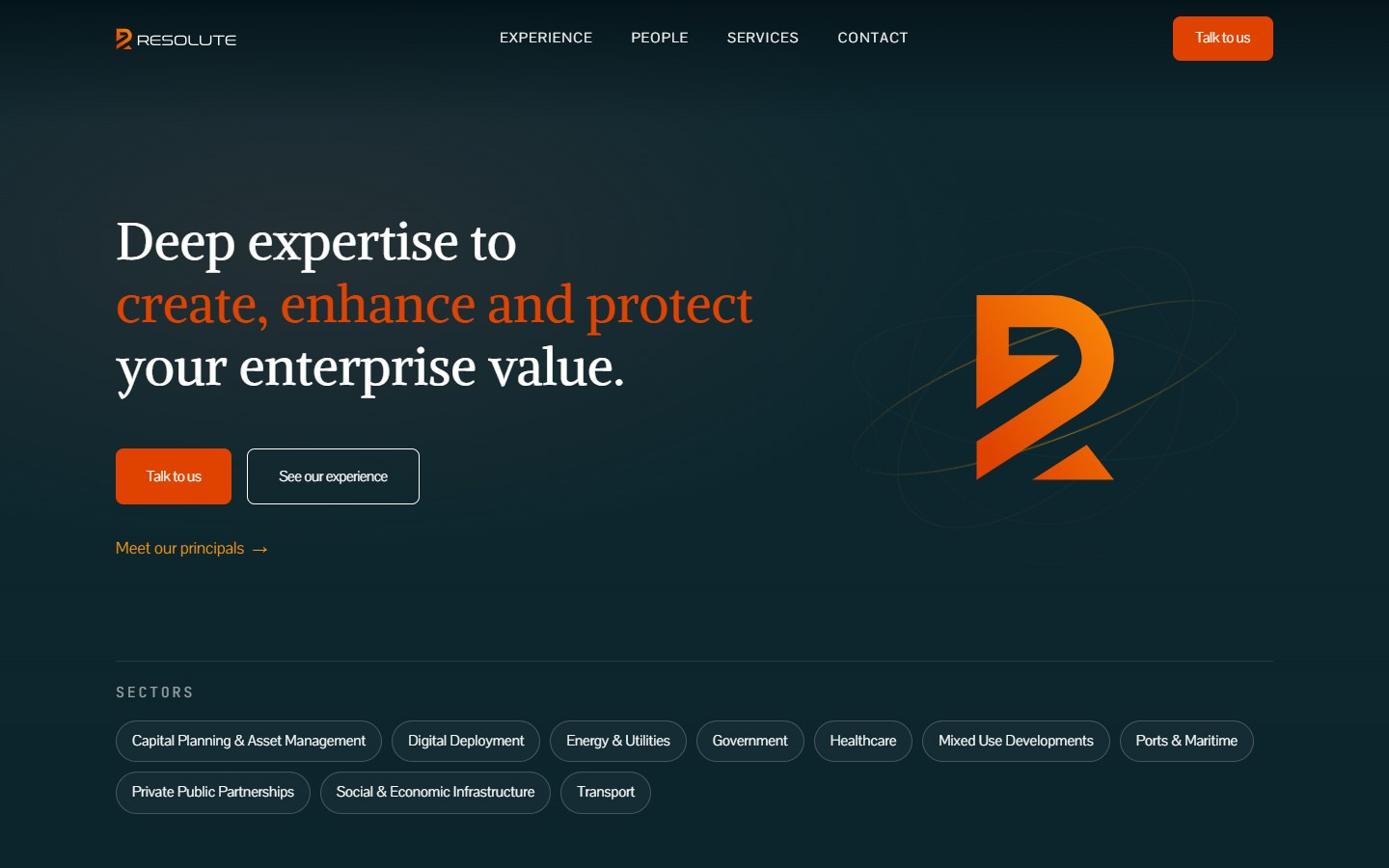
Website for a Dubai advisory firm covering strategy, M&A, data and AI, risk and governance.
How it works
We agree formats, platforms and posting dates, then send a shot list for the jobs and people you have coming up.
You or your crew film from the shot list and upload the raw clips to a shared Google Drive or Dropbox folder.
We edit the batch with hooks, captions and brand templates and share drafts in Frame.io or Drive for comments.
You leave timestamped notes. We make the changes and export final files for each platform.
Finished videos arrive labeled by post date. Each month we check which ones held viewers and adjust the next batch.
Camera roll full of job footage? We'll tell you how many posts are sitting in it.
Plan Your Video EditingMonthly editing
Short-form works through consistency. A monthly package keeps finished videos arriving on schedule, so posting never depends on someone finding a free evening.
Monthly, no long contract. Add videos for busy season and scale back when work is quieter.
Each month includes:
Most clients start with a few videos a week, then adjust once they see which formats bring in enquiries.
Compare
Each format does a different job. Most service businesses start with short clips and add the others later.
15 to 60-second clips for Reels, TikTok and Shorts. Quick to film, easy to batch and good at showing people your work and your team.
Eight to fifteen-minute videos that answer big questions in depth and keep turning up in YouTube and Google search for years.
See YouTube EditingRunning your best clips as Meta or TikTok ads puts them in front of people in your ZIP codes, not just your followers.
See Social Media MarketingYour best-performing short clips make the strongest ads, so editing usually comes before paid promotion.
Your plan
The right volume and formats depend on what you can film and what your customers want to see.
We plan around:
A realistic plan beats an ambitious one. Three good videos every week outlast a burst followed by silence.
Learn About The Digital ElitesFAQ
We won't put a number on it before we've seen your footage, your account and your market, and anyone who does is guessing. Views depend on the platform, your existing audience and the subject. What we do is track watch time, reach and enquiries every month, so you see which videos earn their place.
A fixed monthly fee based on how many videos you want and how much footage we work through, quoted before we start. No long contracts. Stock music licenses, ad spend and any filming crew are separate, and we tell you before anything extra is needed.
No. A recent iPhone or Android phone, filmed vertically in decent light, is all most service businesses need. An inexpensive clip-on microphone makes a bigger difference than a better camera, and we'll show you how to set it up.
A monthly batch is usually delivered within five to seven business days of receiving the footage. Timely videos, like storm damage or a seasonal offer, get turned around faster when you give us a heads-up.
Editing covers the finished files, labeled by post date with a suggested caption and hashtags. If you'd like us to schedule, post and reply to comments, that's part of our social media management service.
Trending sounds are added inside the app when you post, from the library the platform allows business accounts to use. In the edit we use licensed stock music or none, because commercial accounts get videos muted or blocked for copyrighted songs.
Yes, with the customer's permission. We'll give you a short consent line to use, and in the edit we blur house numbers, license plates, faces and anything else that identifies the property or the customer.
You do. Finished files and project files go to your shared folder, and your raw footage stays yours. Reuse the videos in ads, on your website or on Google Business Profile without asking us.
Tell us what you do, which platforms you post on and how much footage you have. We'll suggest the formats, the volume and a fixed monthly quote.